


3 min
Instagram Tips
Blog
See Posts You Liked on Instagram


instagram-beitraege-die-mir-gefallen-likes-anleitung
Quick guide: how to see which posts you have liked on Instagram
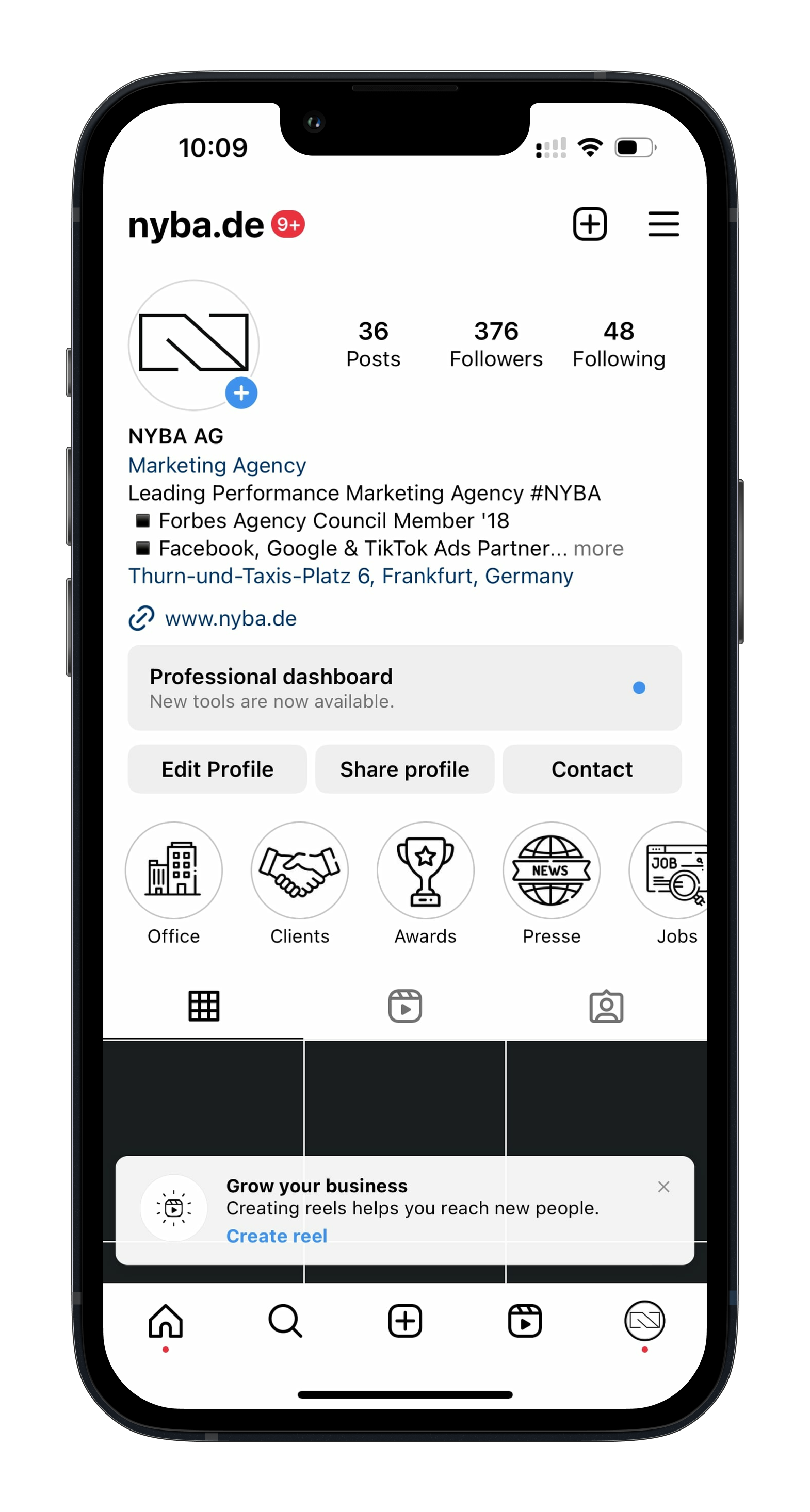
- Open your profile in the Instagram app
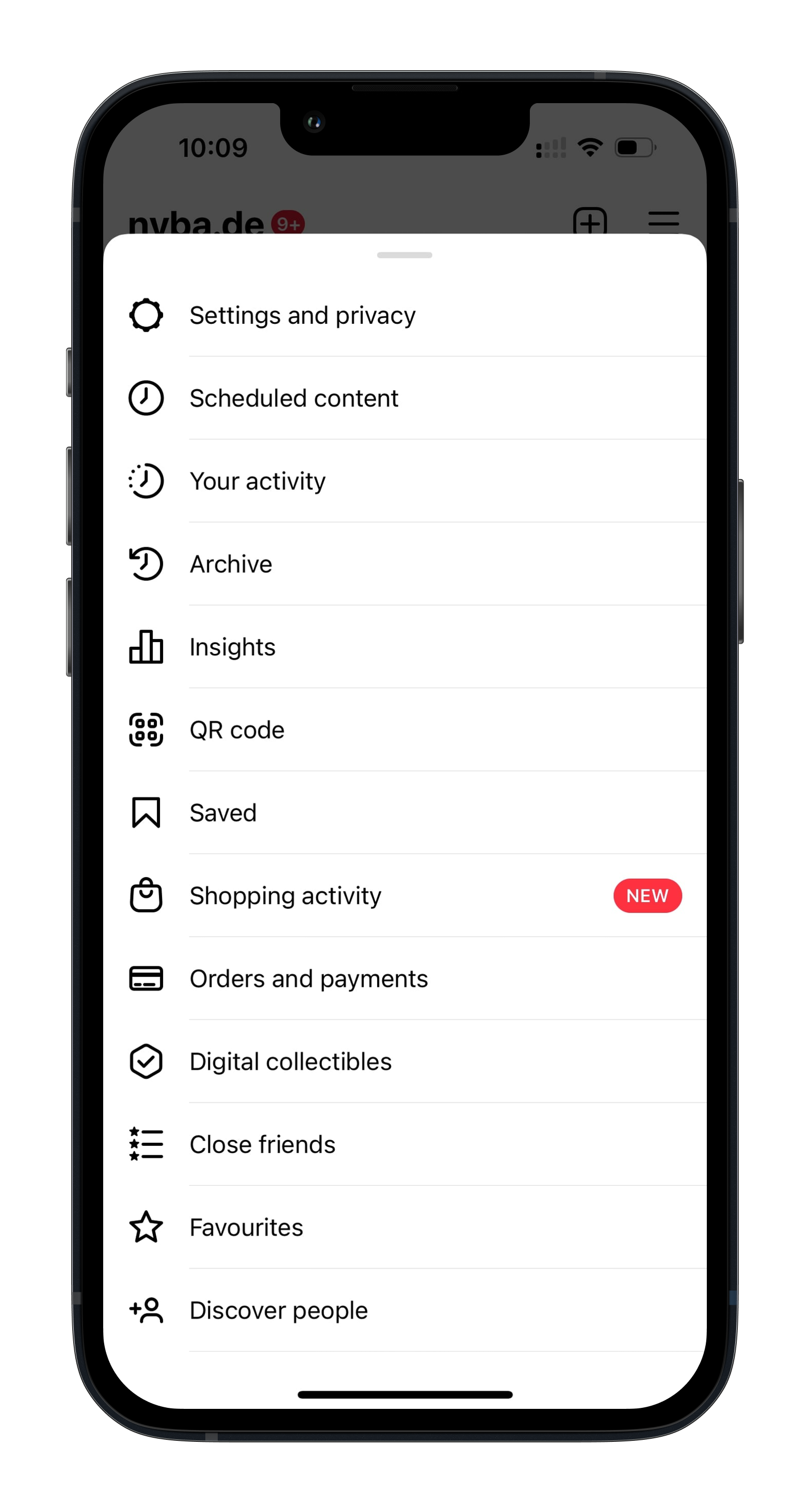
- Tap the menu in the top right (three lines)
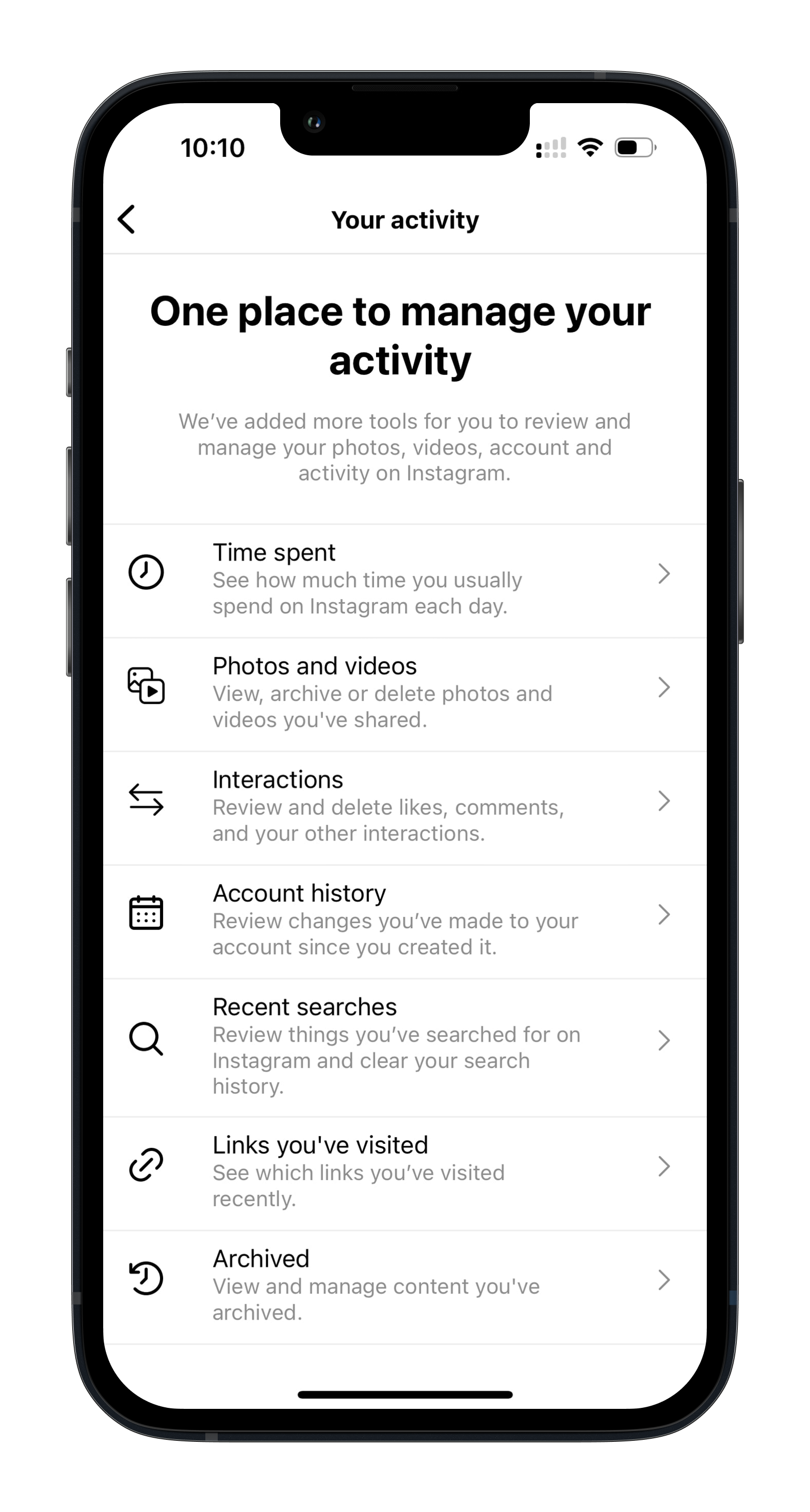
- Select “Your activity”
- Tap “Interactions”
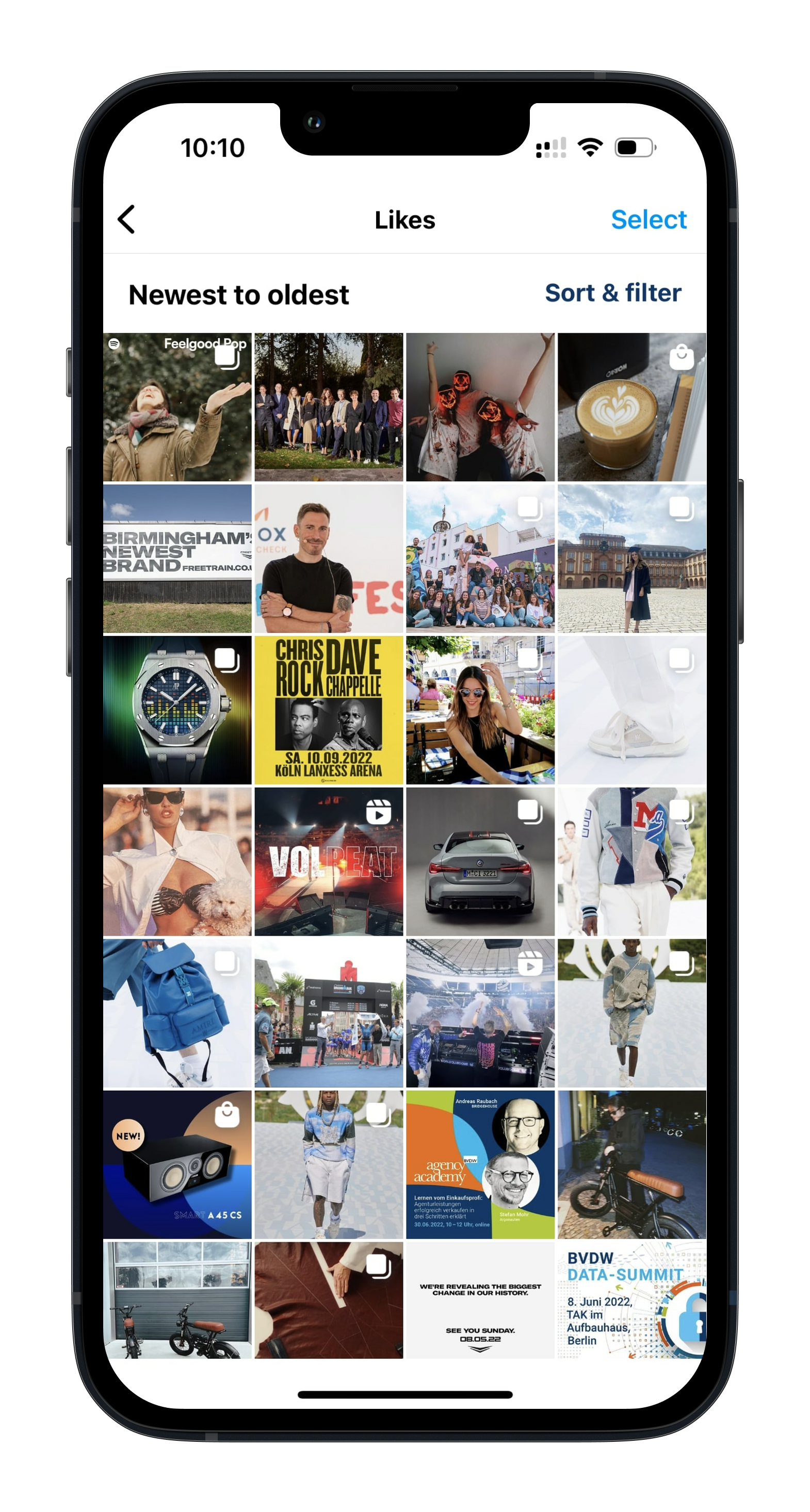
Then tap “Likes”
You can now see all the likes you have given and sort and filter the posts by criteria such as author and date.
Below you will find the steps described above as screenshots:


Was würde 3x mehr
Umsatz für dich bedeuten?
Finde es heraus:
