



How to find your Facebook Business Manager ID:
- Log in at business.facebook.com
- Click on Business Settings
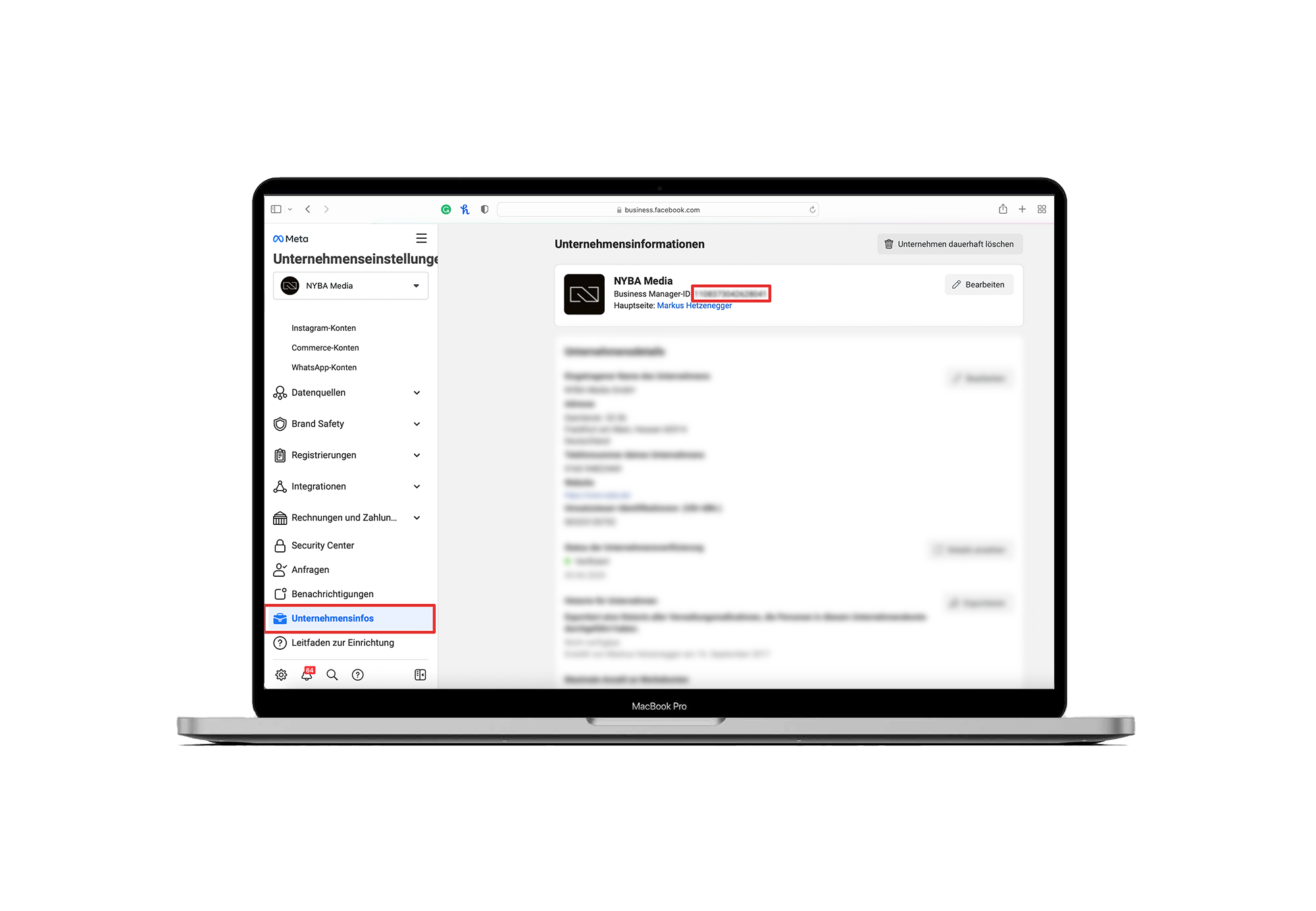
- Scroll all the way down and click on Business Info
- Here you will find your 16-character Facebook Business Manager ID
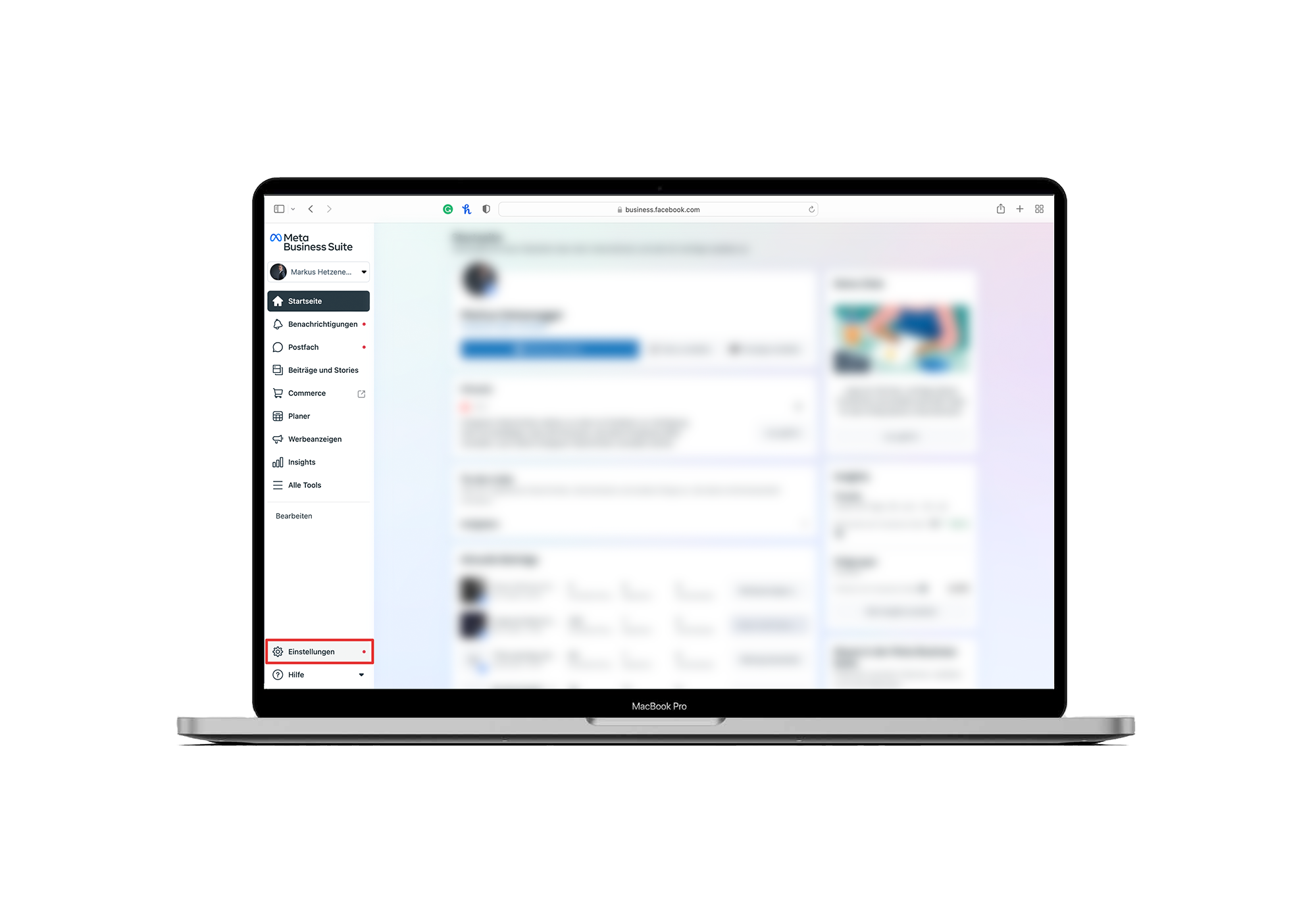
Tip: If you end up in the Meta Business Suite instead of Business Settings, follow these 3 simple steps to switch:
- Click Settings in the left-hand menu
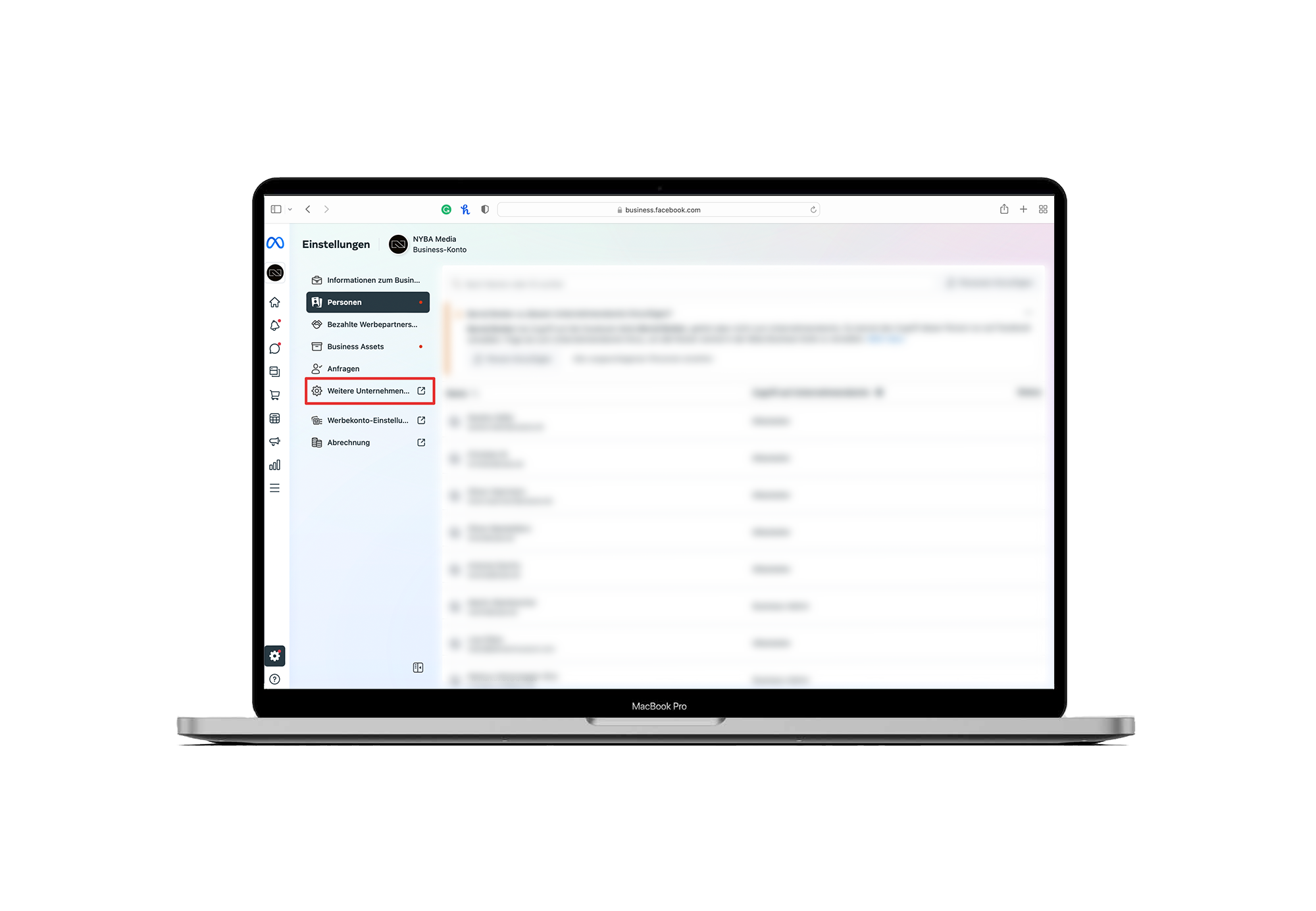
- Select More Business Settings
- Welcome to Facebook Business Settings!


What would 3x more
revenue mean for you?
Find out:
