



Quick guide: how to hide the number of likes on your Instagram posts
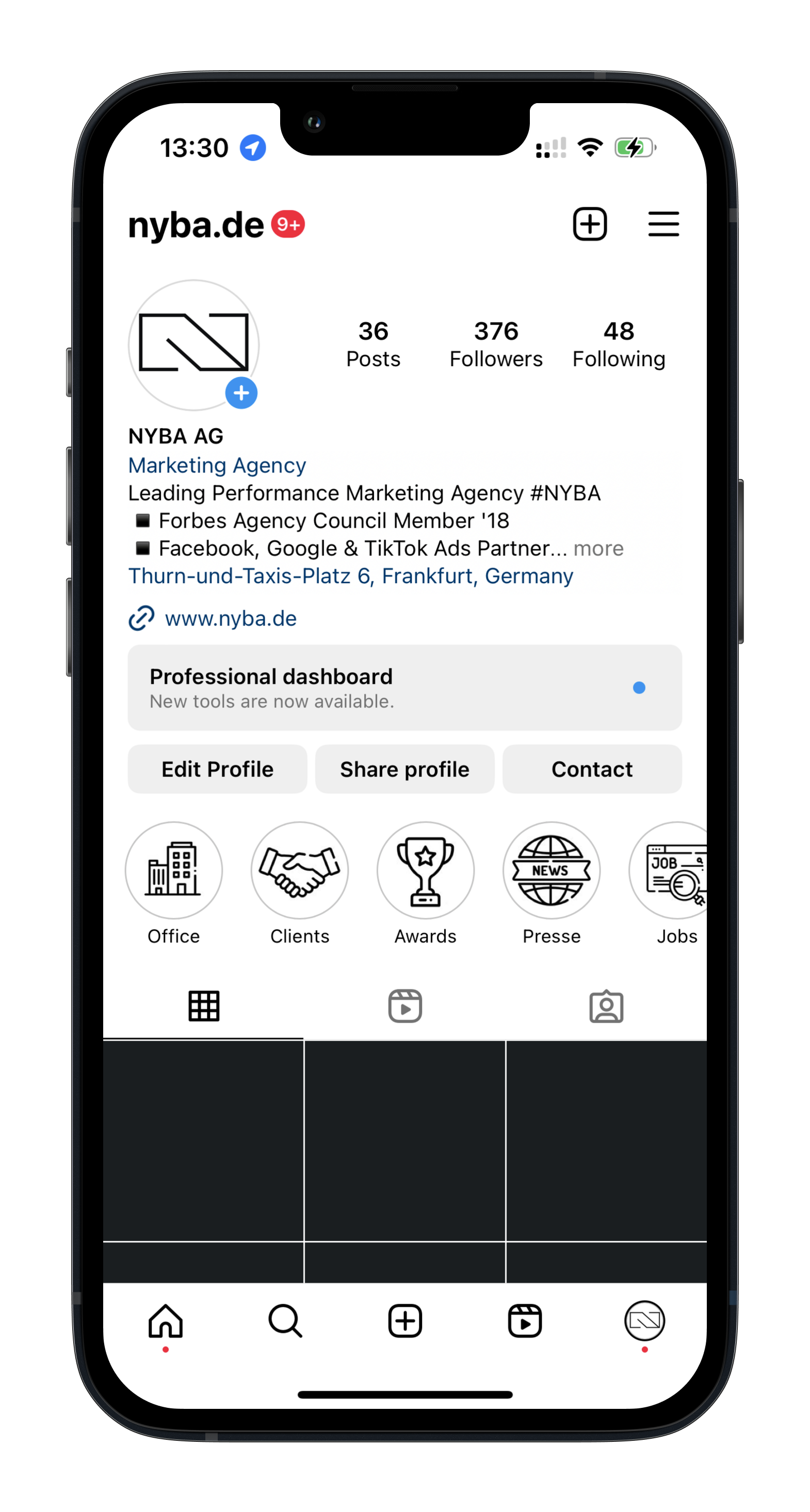
- Open your profile
- Tap the menu in the top right corner (three lines)
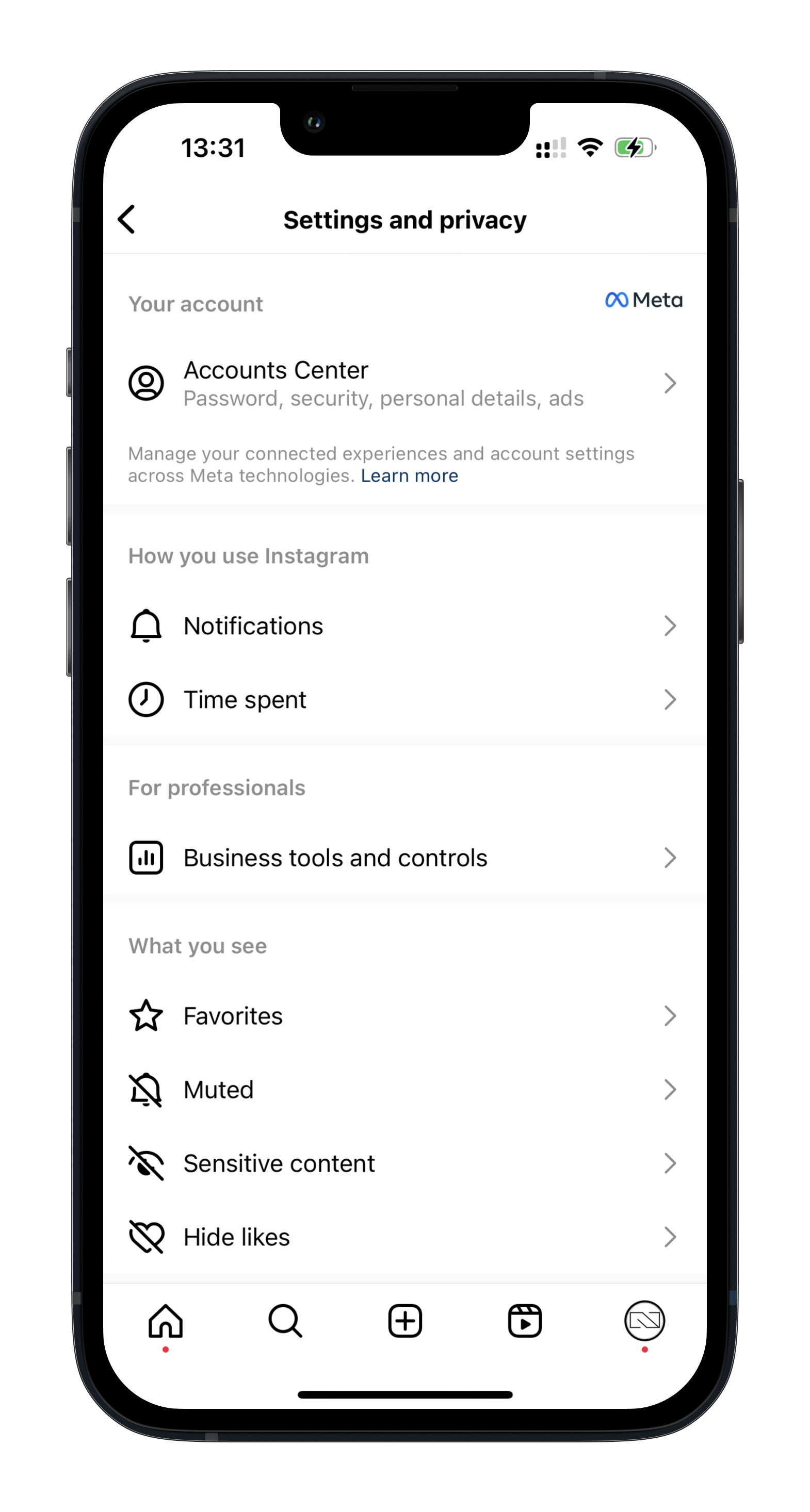
- Go to “Settings”
- Select “Privacy”
- Tap “Posts”
- At the top you can now turn “Hide like counts” on or off
Here are the same steps as screenshots:


Was würde 3x mehr
Umsatz für dich bedeuten?
Finde es heraus:
