



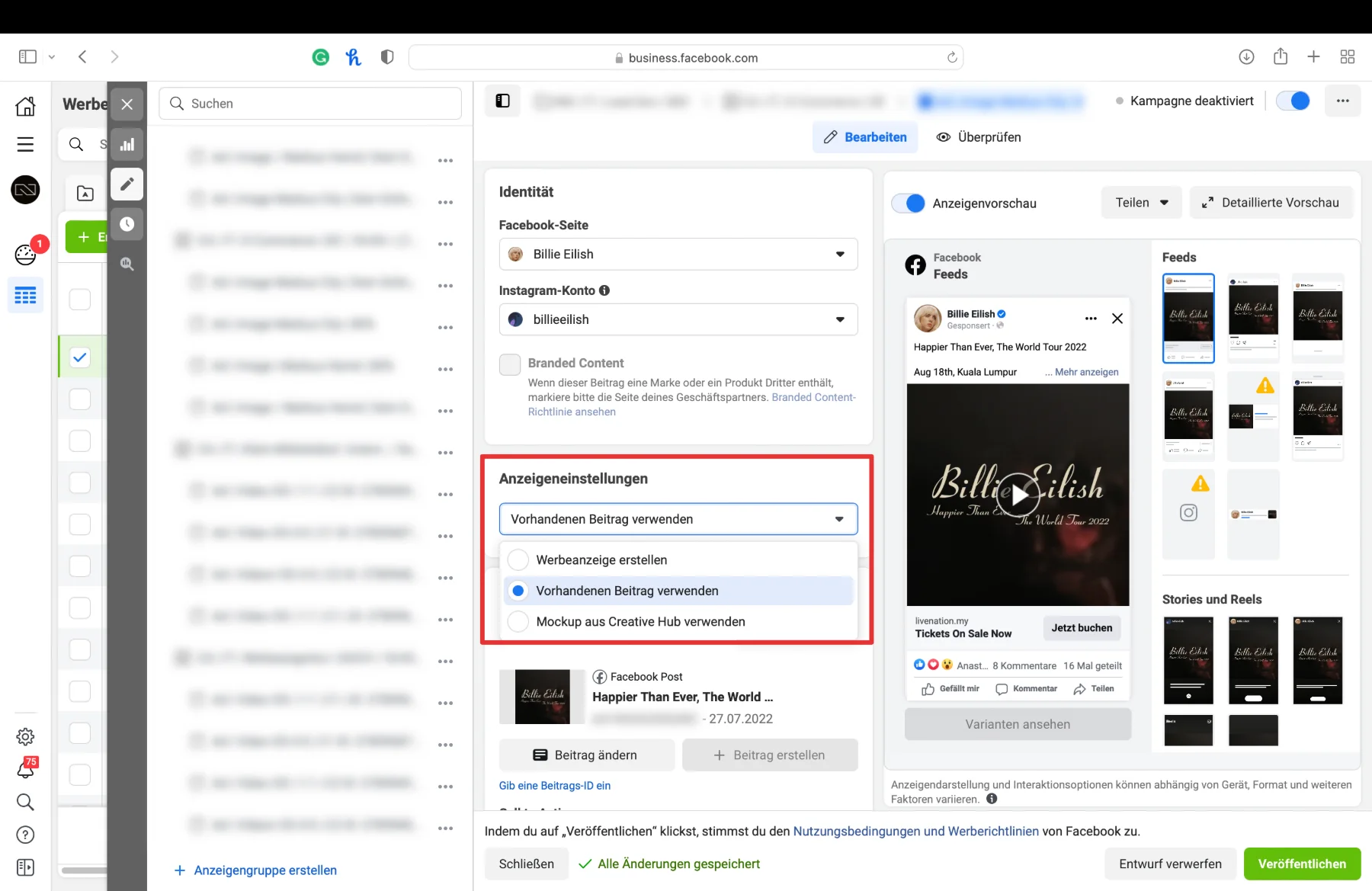
How to Promote an Existing Post in Facebook Business Manager:
- Go to business.facebook.com
- Navigate to Ads Manager
- Go to Campaigns → Ad Sets → Ads
- In the Ad Settings, select “Use Existing Post”
- A window will appear where you can choose the post you want to promote

Can’t find your post? Simply search for the Post ID.Read: How do I find my Post ID?





What would 3x more
revenue mean for you?
Find out:
