



Downloading Leads from Facebook
One of the most effective ways to reach potential customers and convert them into actual clients is by using leads generated through Facebook ads. But how can you download and make use of this valuable data? In this post, we’ll show you how to download leads directly from Facebook in two ways: via Ads Manager and via Meta Business Suite. Whether you’re a beginner or an experienced user of these platforms, this guide will help you make the most out of your Facebook leads.
Downloading Leads via Ads Manager
- Log into your Facebook account from a laptop or desktop browser.
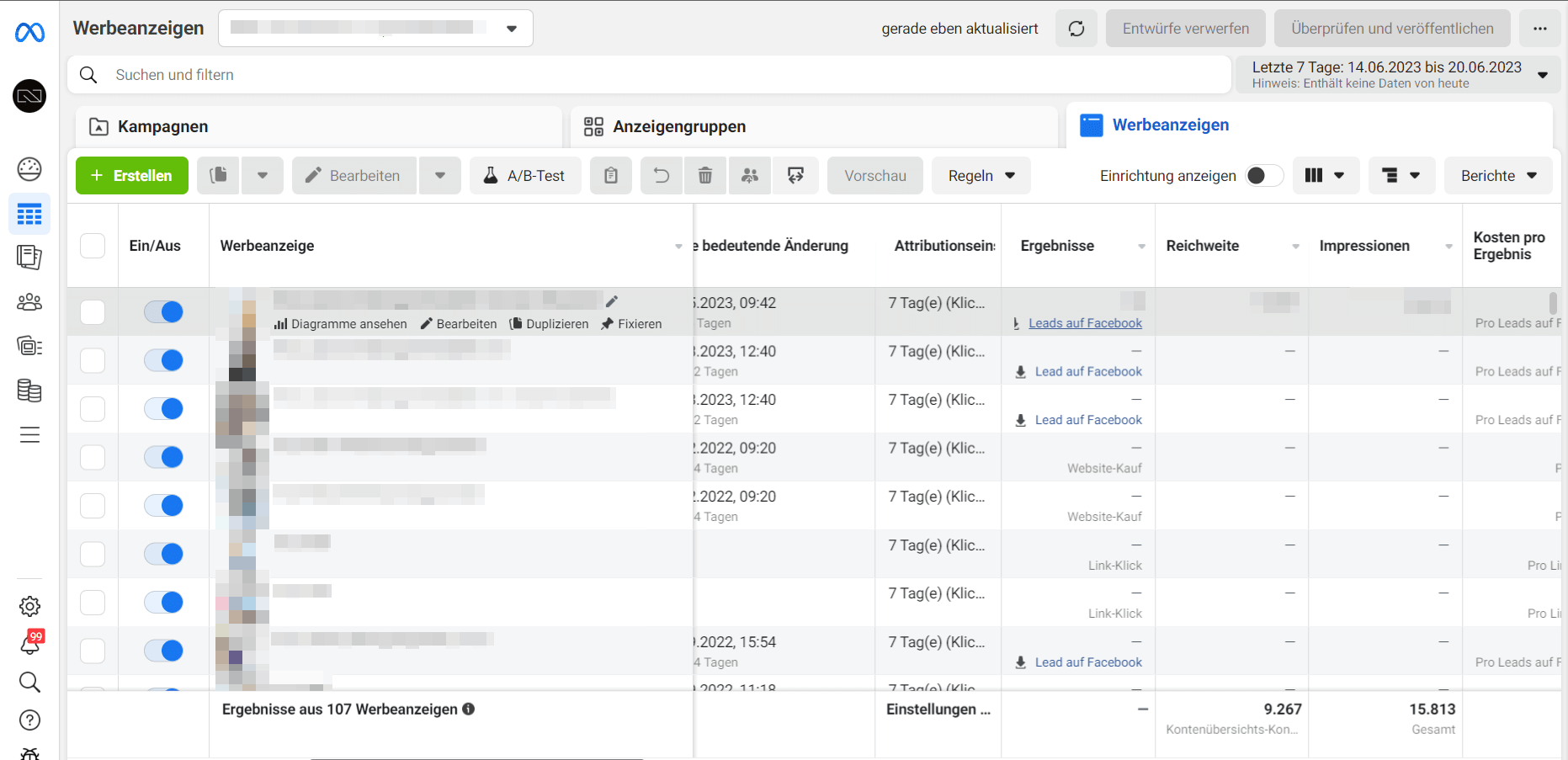
- Go to Ads Manager and click on the Ads tab (next to the Campaigns and Ad Sets tabs).
- In the results column of the ad you want to review, click Facebook Leads.
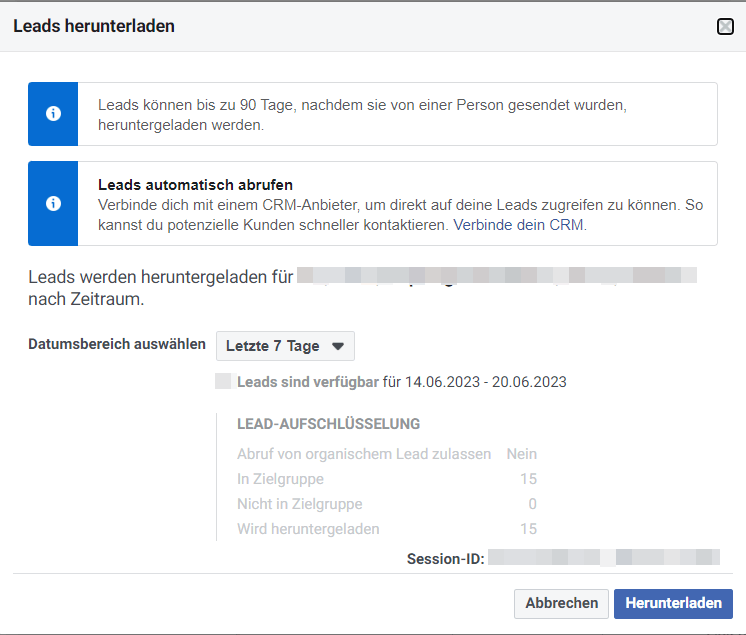
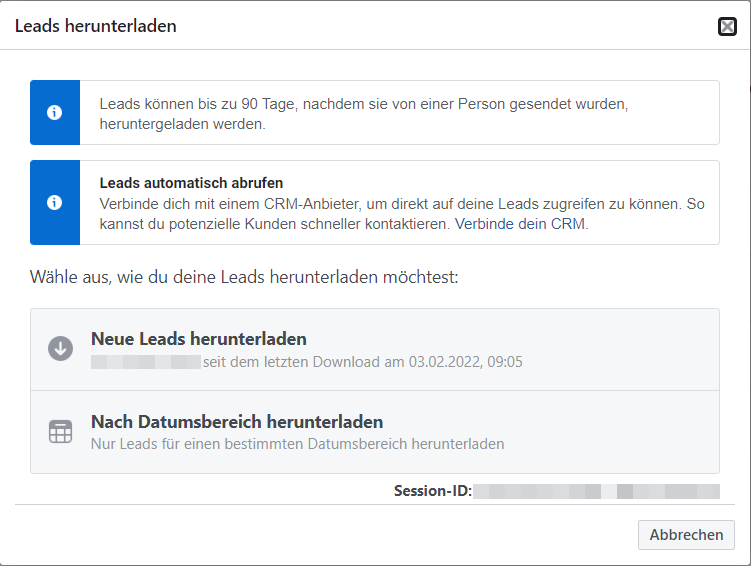
- Click Download New Leads or Download by Date Range.
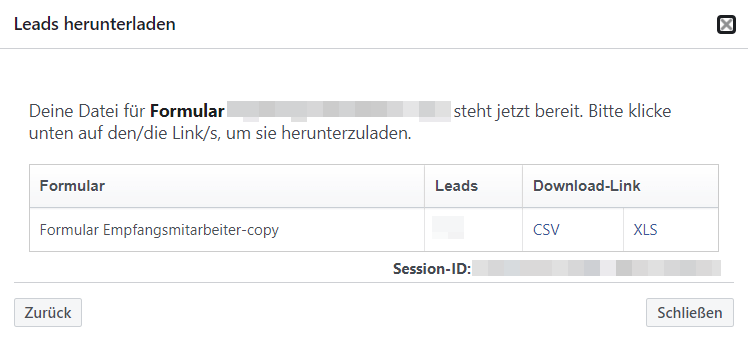
- You will see the form name along with the number of leads. Click on CSV or XLS to download your lead data in your preferred format to your computer.
- Repeat steps 3-5 for each ad you want to check for new leads.

Downloading Leads via Meta Business Suite
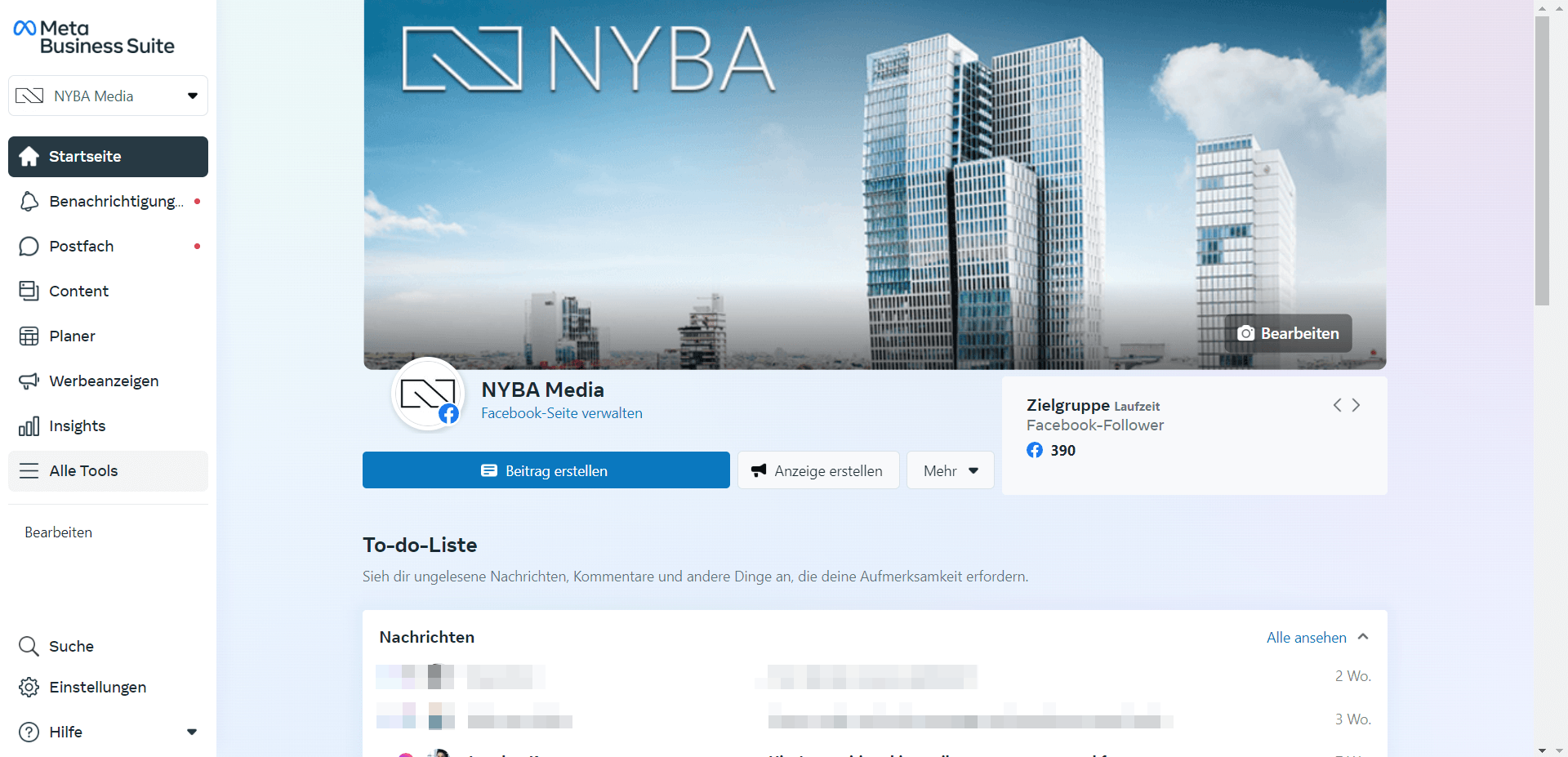
- Open Meta Business Suite.
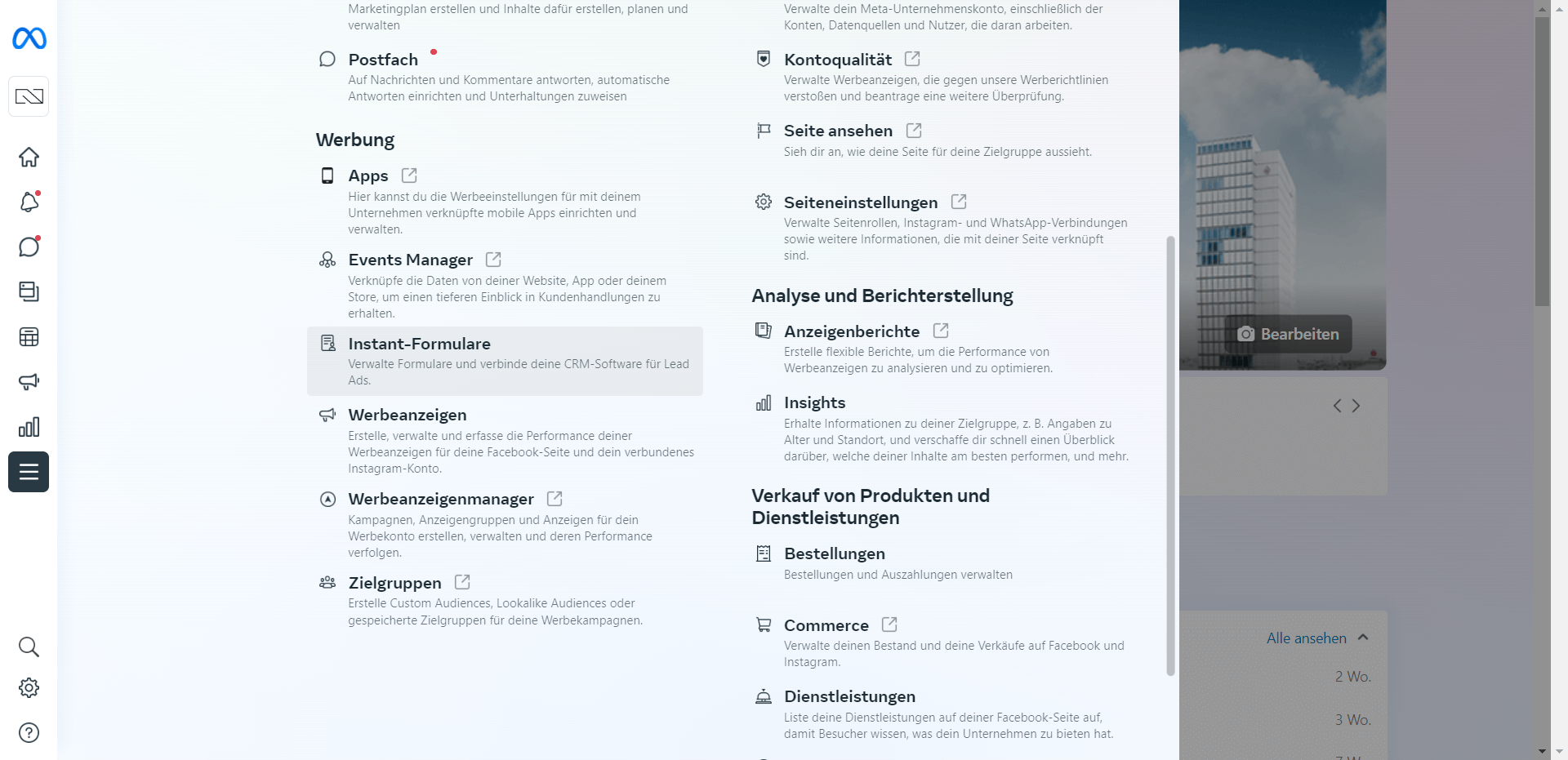
- Click on All Tools.
- Under the Advertising section, select Instant Forms.
- A list of your lead ad forms will be displayed. Click Download next to the form you want.
- You can then choose between Download New Leads (all leads since your last download) and Download by Date Range.
- Select the date range (if applicable) and the file type (CSV or XLS).

Real ChatGPT ads from NYBA campaigns, with results
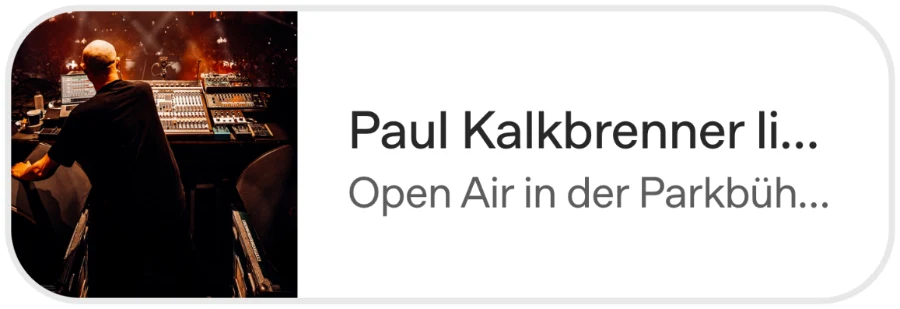
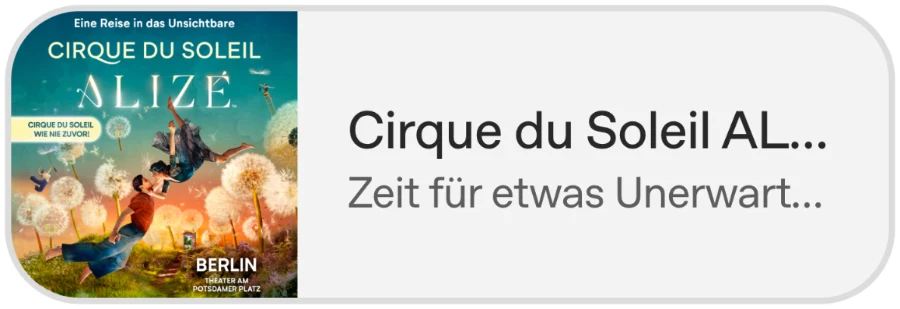
NYBA has been running ChatGPT ads for live events in Germany since the launch in August 2026. Two examples, shown the way they appear inside the ChatGPT answer, with their first results:
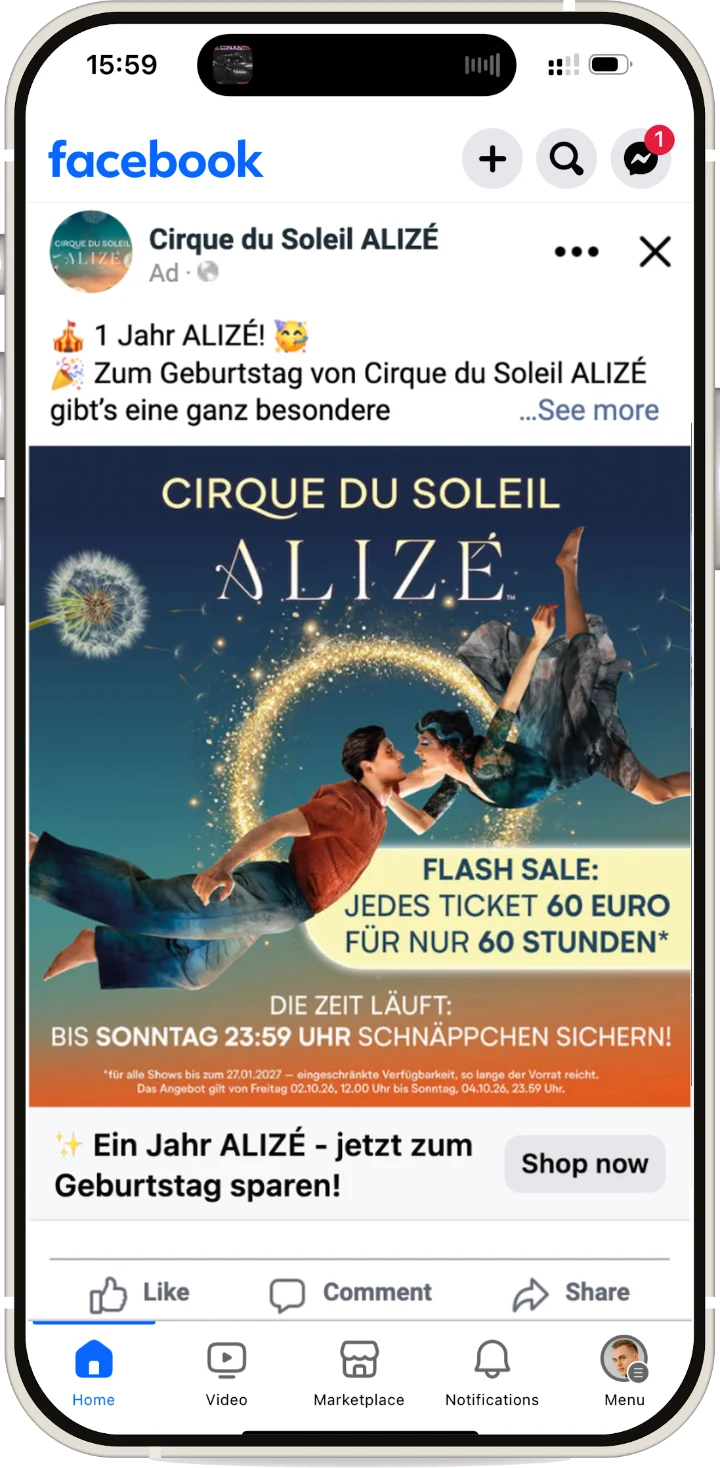
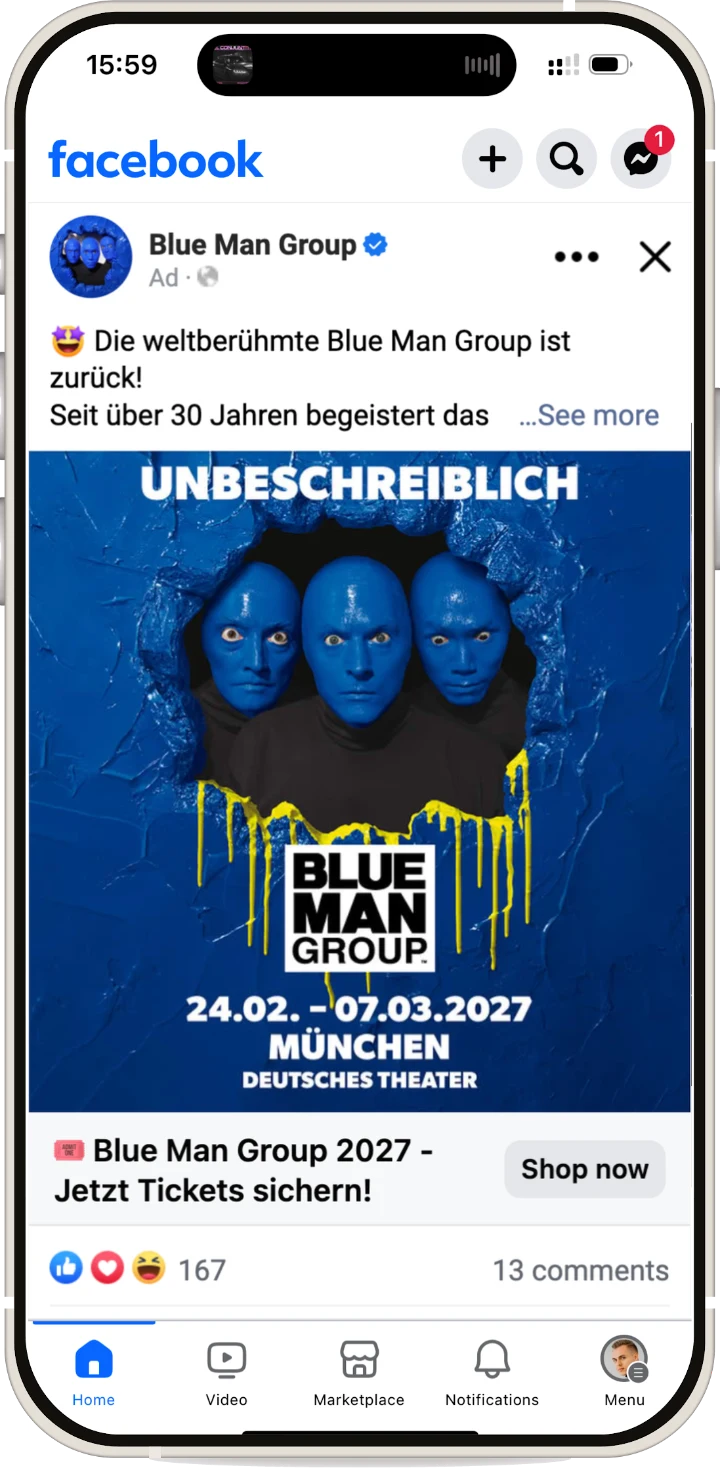
What Meta ads for events look like: real NYBA examples
Three ads from live campaigns run through NYBA OS, shown the way fans see them on Facebook and Instagram: two feed ads and a video ad.
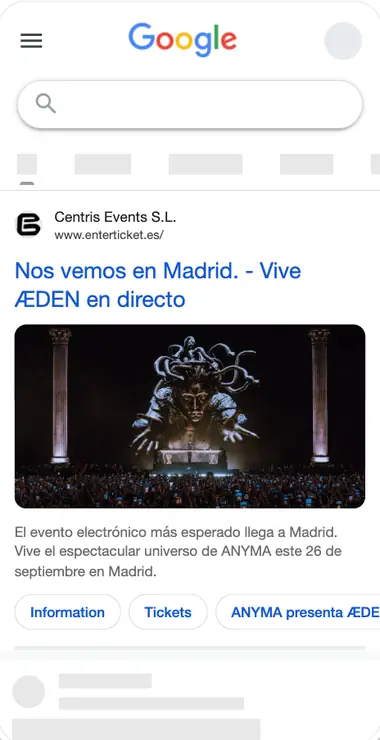
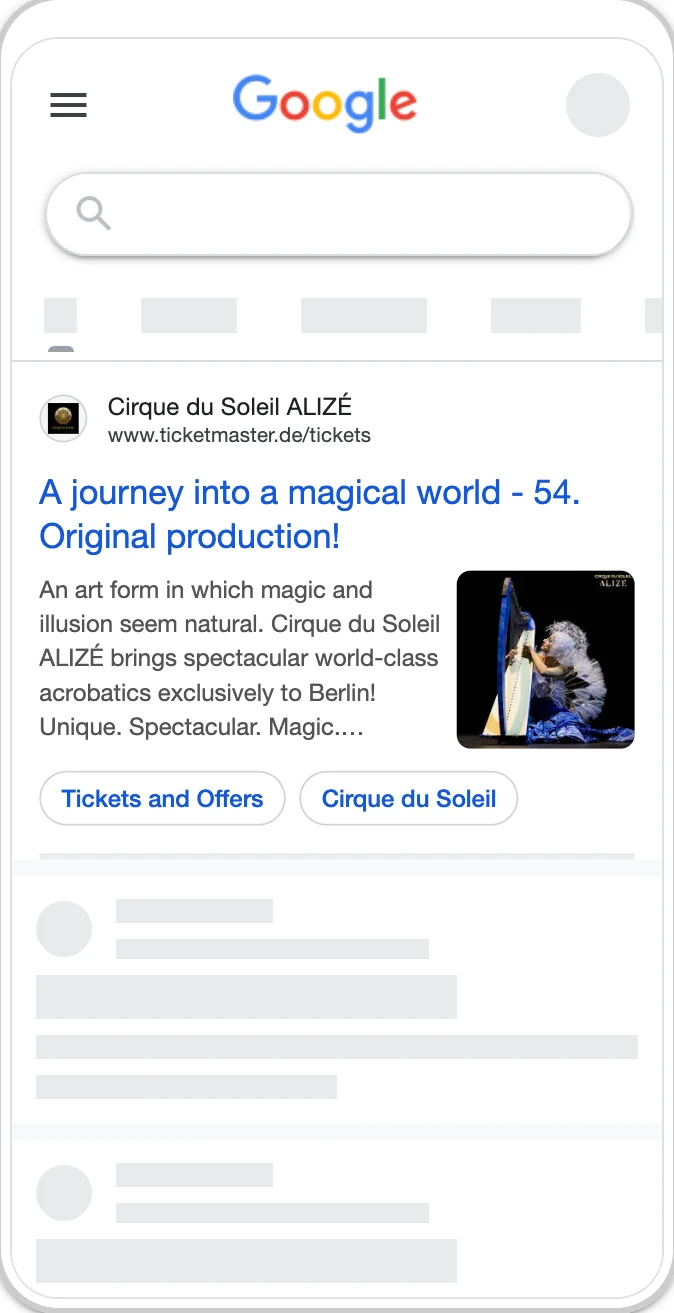
What Google ads for events look like: real NYBA examples
Real previews from live Google Ads campaigns run through NYBA OS: search ads with image, Performance Max in the YouTube feed, in Discover and on the Display network, and YouTube Shorts. One Performance Max asset group feeds all of these placements.
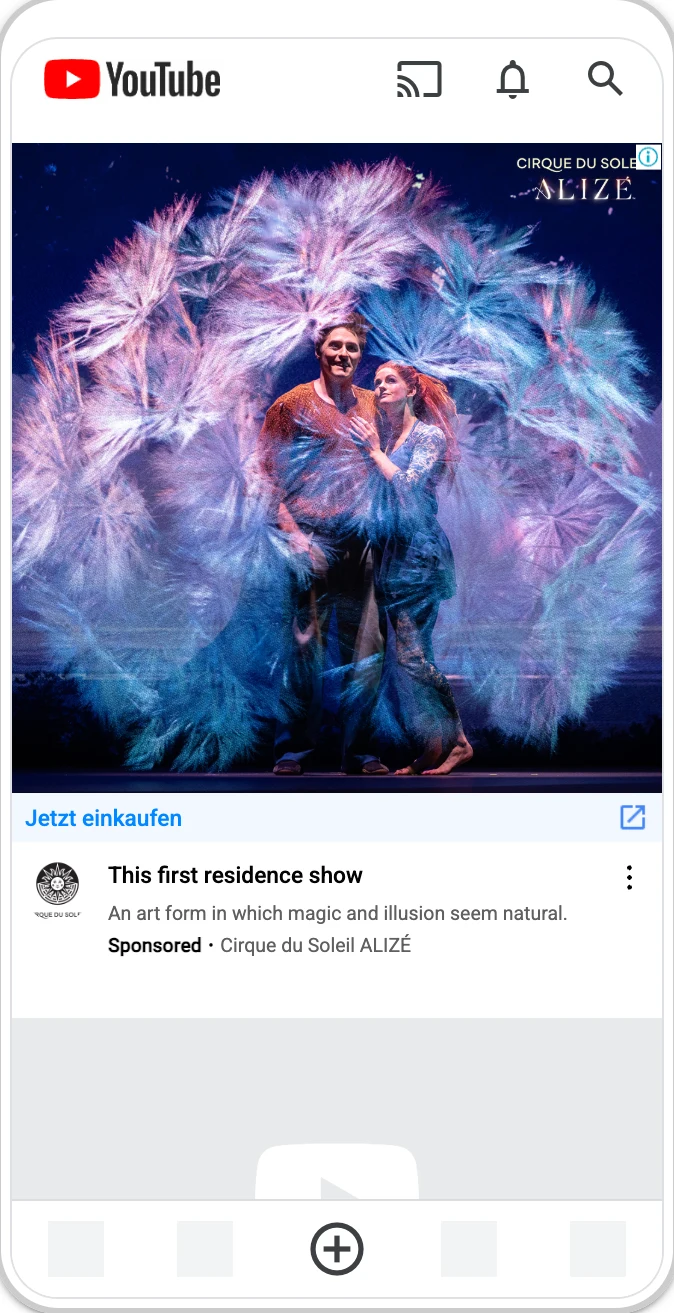
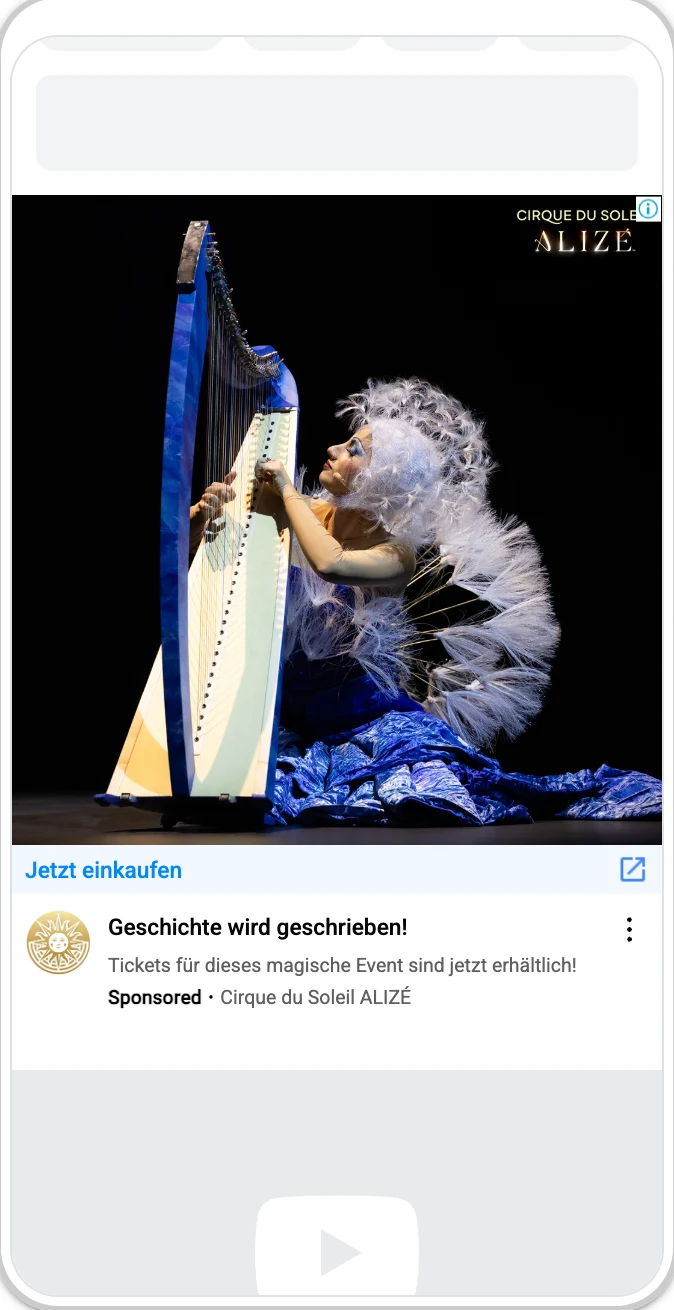
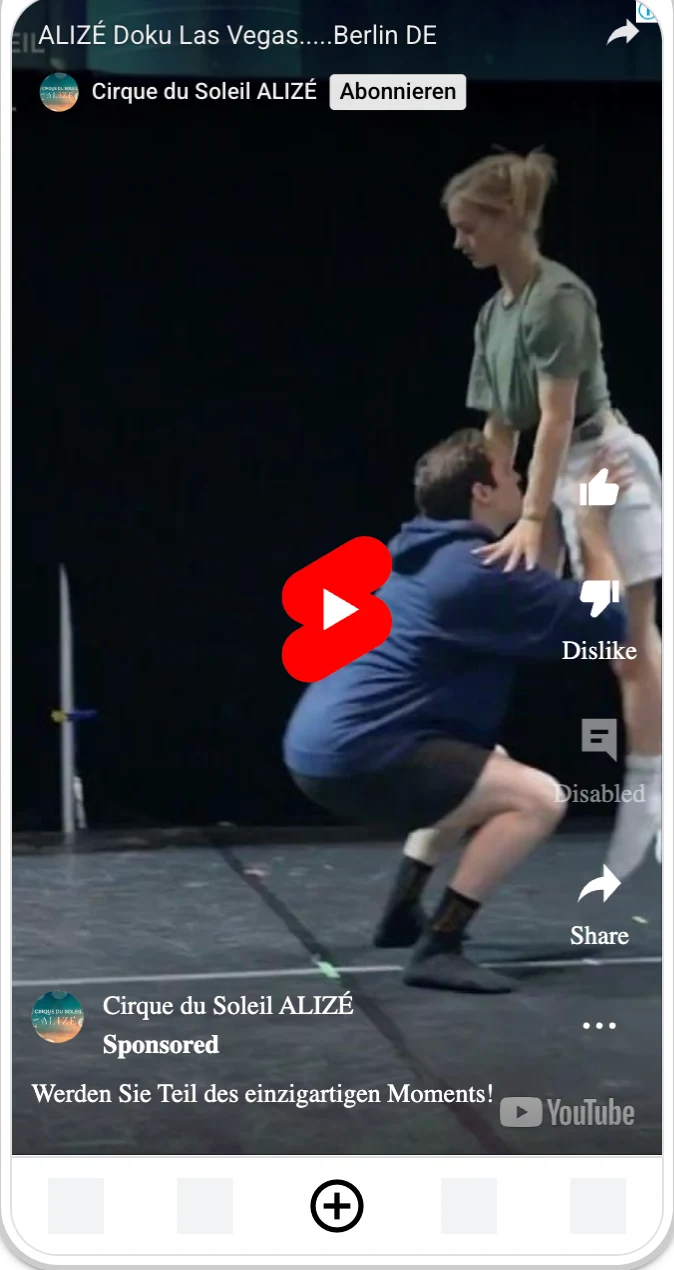
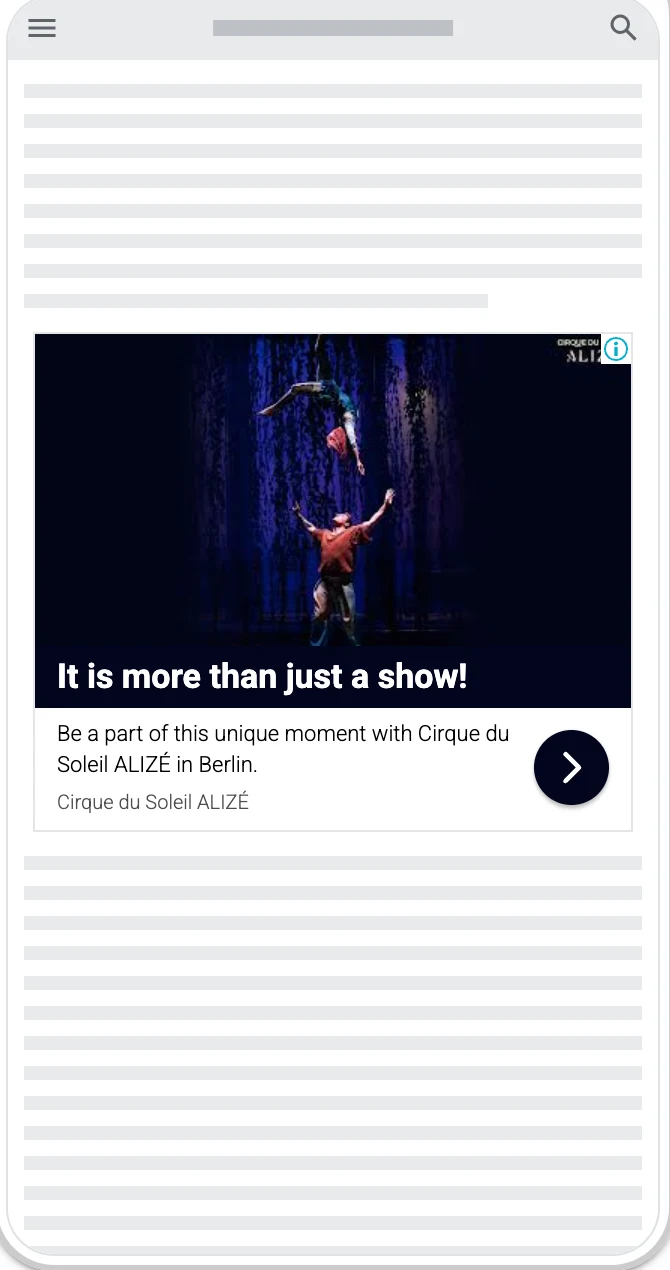
Every ad placement at a glance
Real ads from campaigns run through NYBA OS, sorted by platform: Google and YouTube, Meta, TikTok, ChatGPT and Snapchat. Tap a platform to expand it.
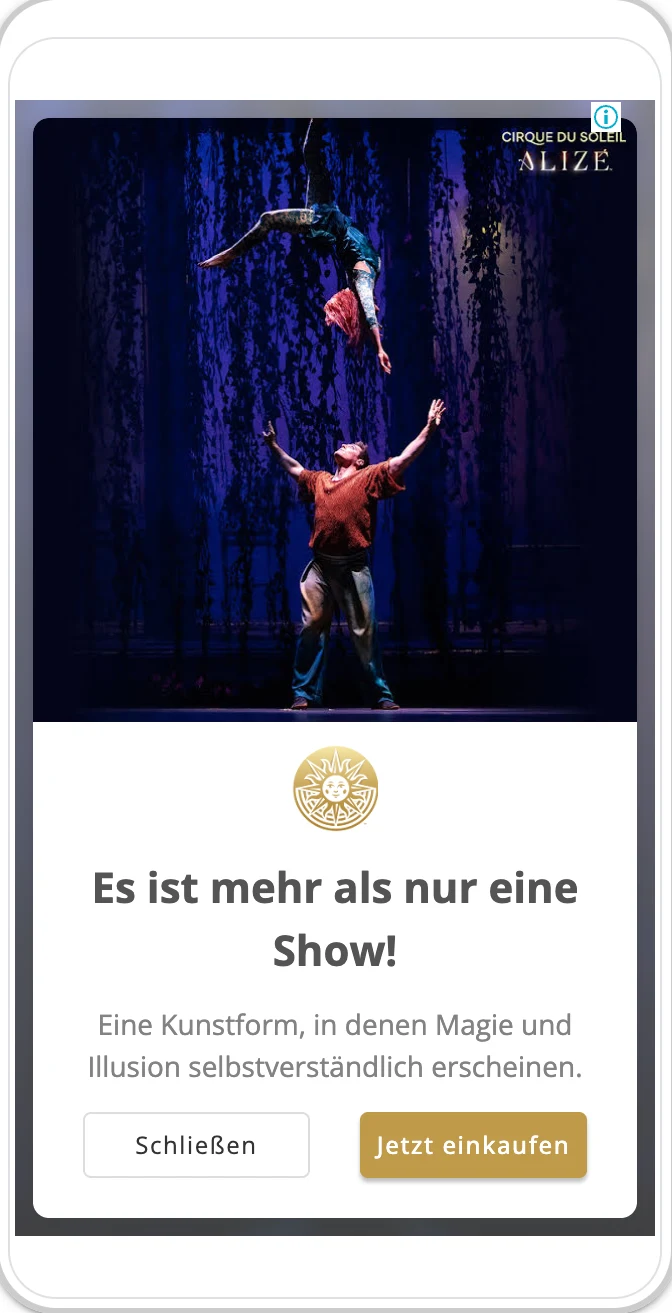


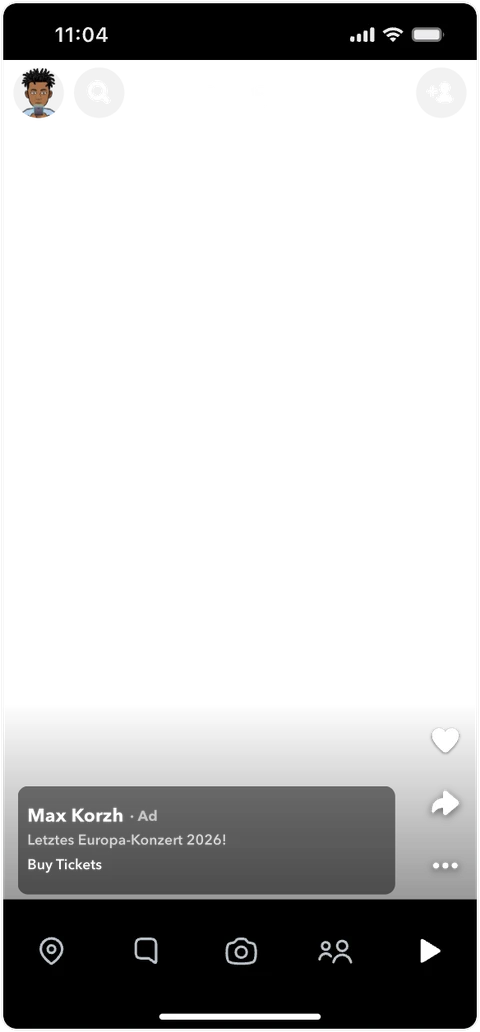
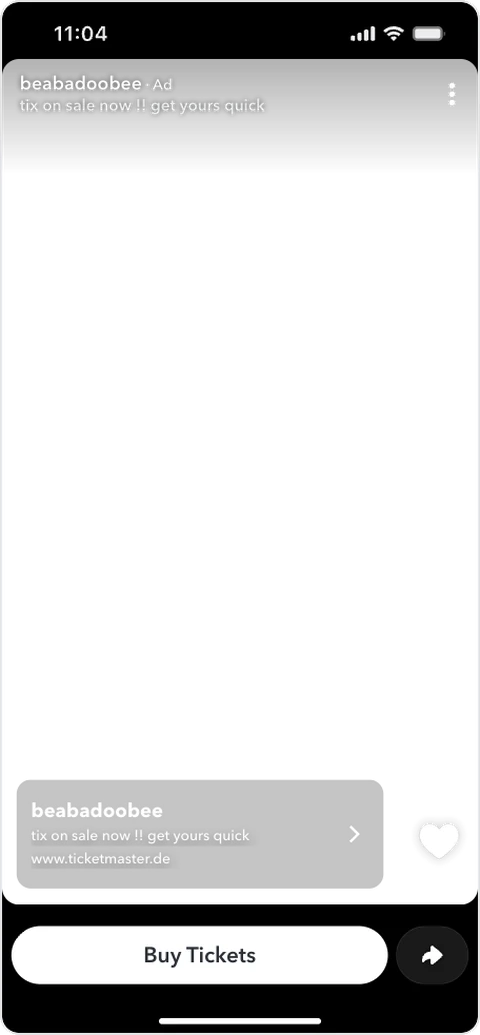
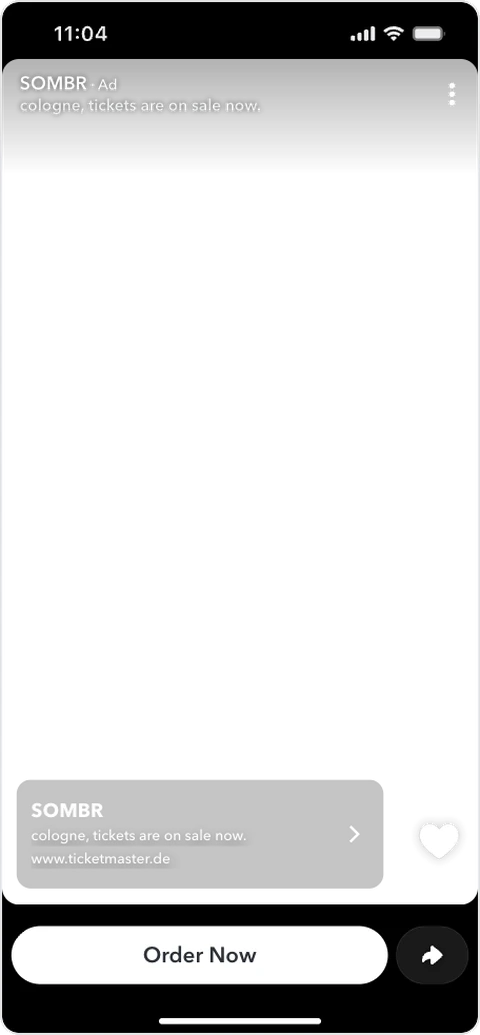
What Snapchat ads for events look like: real NYBA examples
Real previews from live Snapchat campaigns run through NYBA OS: a Spotlight video ad and full-screen video ads between Stories, each with a direct ticket button.
Depending on the type of event, NYBA runs this differently: concert and tour marketing, festival marketing and theatre marketing.

What would 3x more
revenue mean for you?
Find out:
