



How to Delete Your Facebook Ad Account
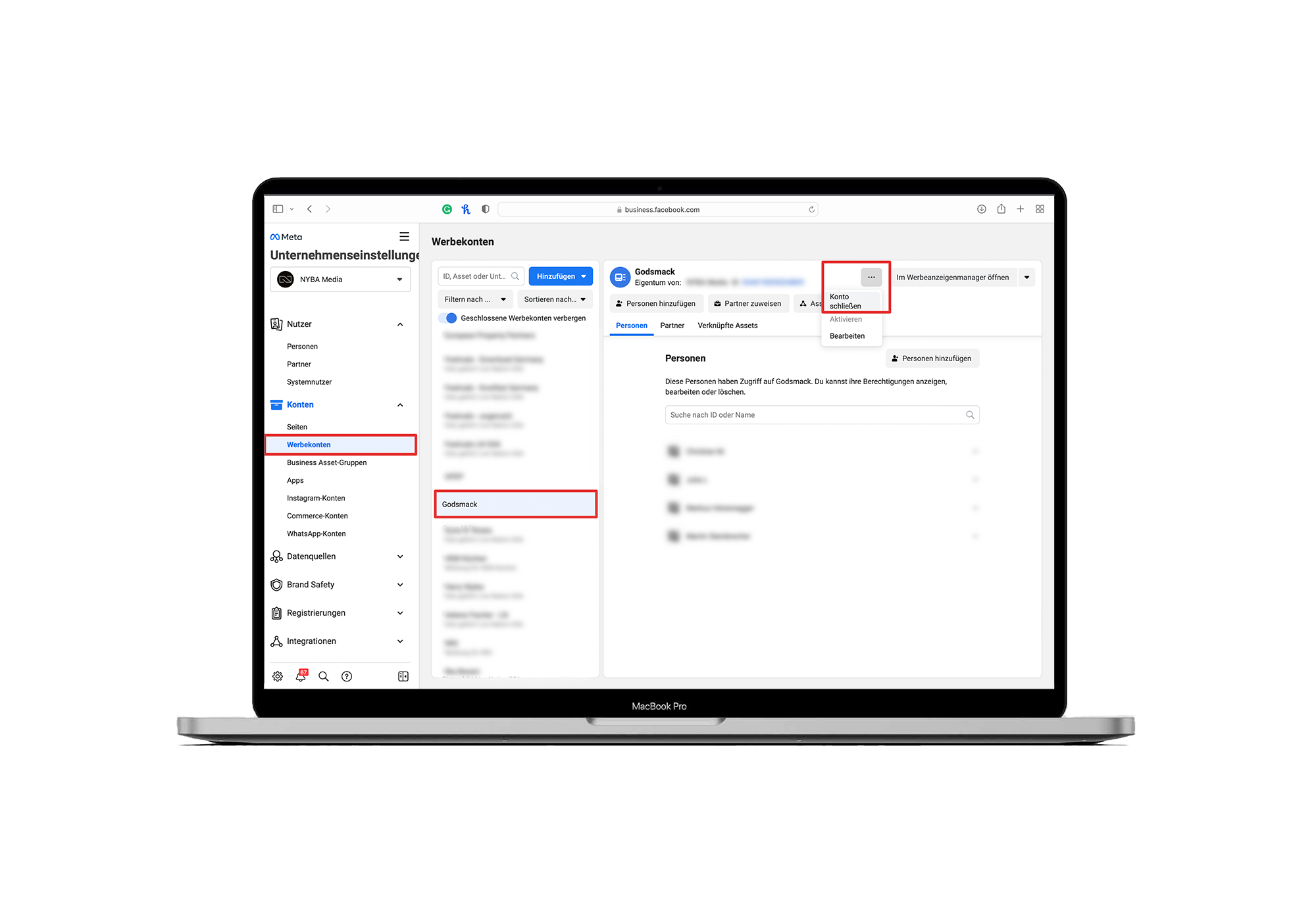
- Go to business.facebook.com
- Open Business Settings (Not sure how? Click Business Settings in the menu.)
- Select the ad account you want to delete
- Click the three dots
- Select Close Account
Can’t close the ad account?
You must be an administrator of the Facebook ad account in order to delete it. If the ad account was only assigned to you, instead of “Close Account” you’ll see “Remove”. In that case, you can remove the ad account from your Facebook Business Manager permanently.


Was würde 3x mehr
Umsatz für dich bedeuten?
Finde es heraus:
