



Delete Your Facebook Account
To permanently delete your Facebook account, please follow these steps:
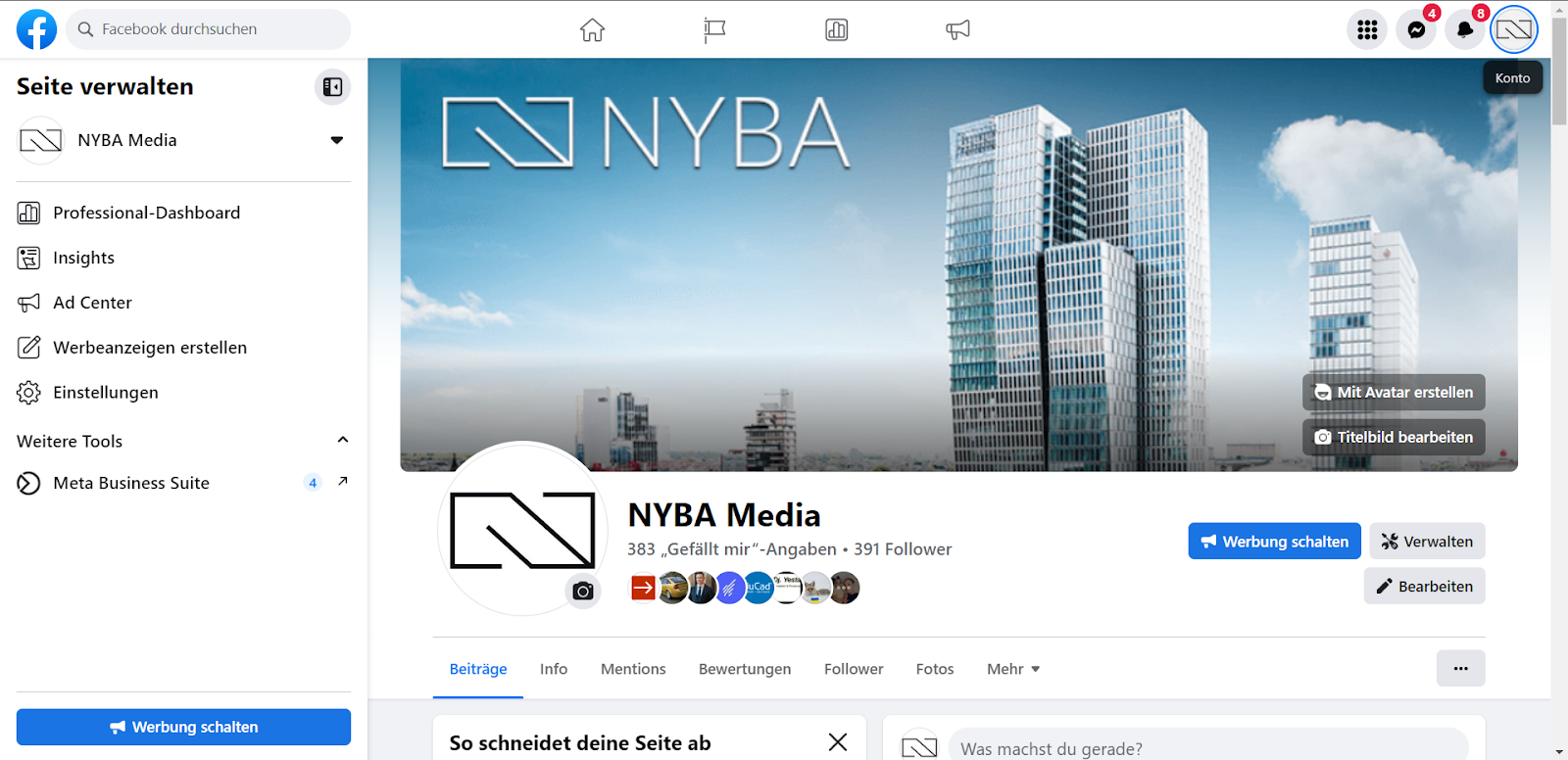
- Log in to Facebook if you haven’t already.
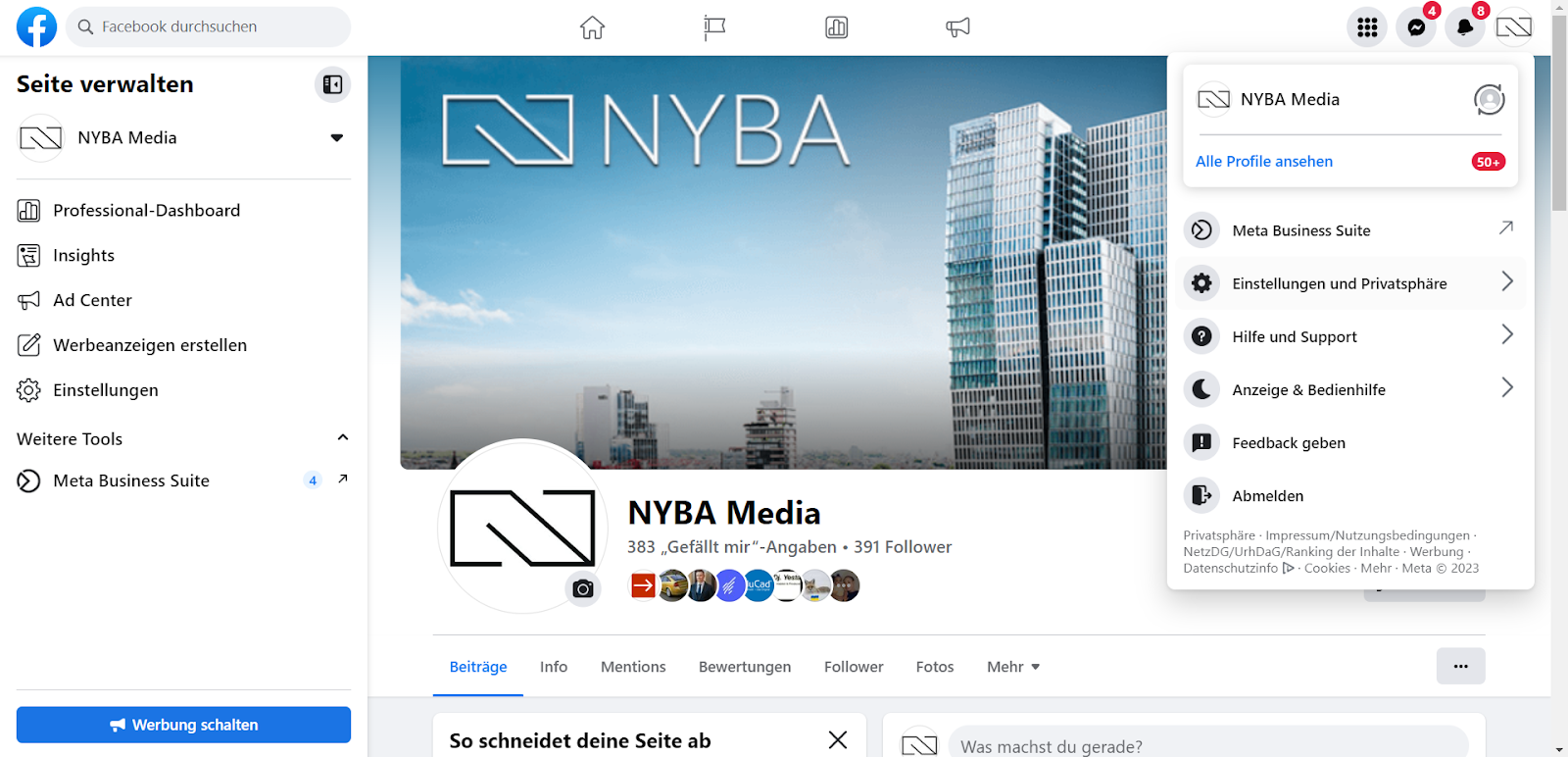
- Click your profile picture in the top right corner of the screen.
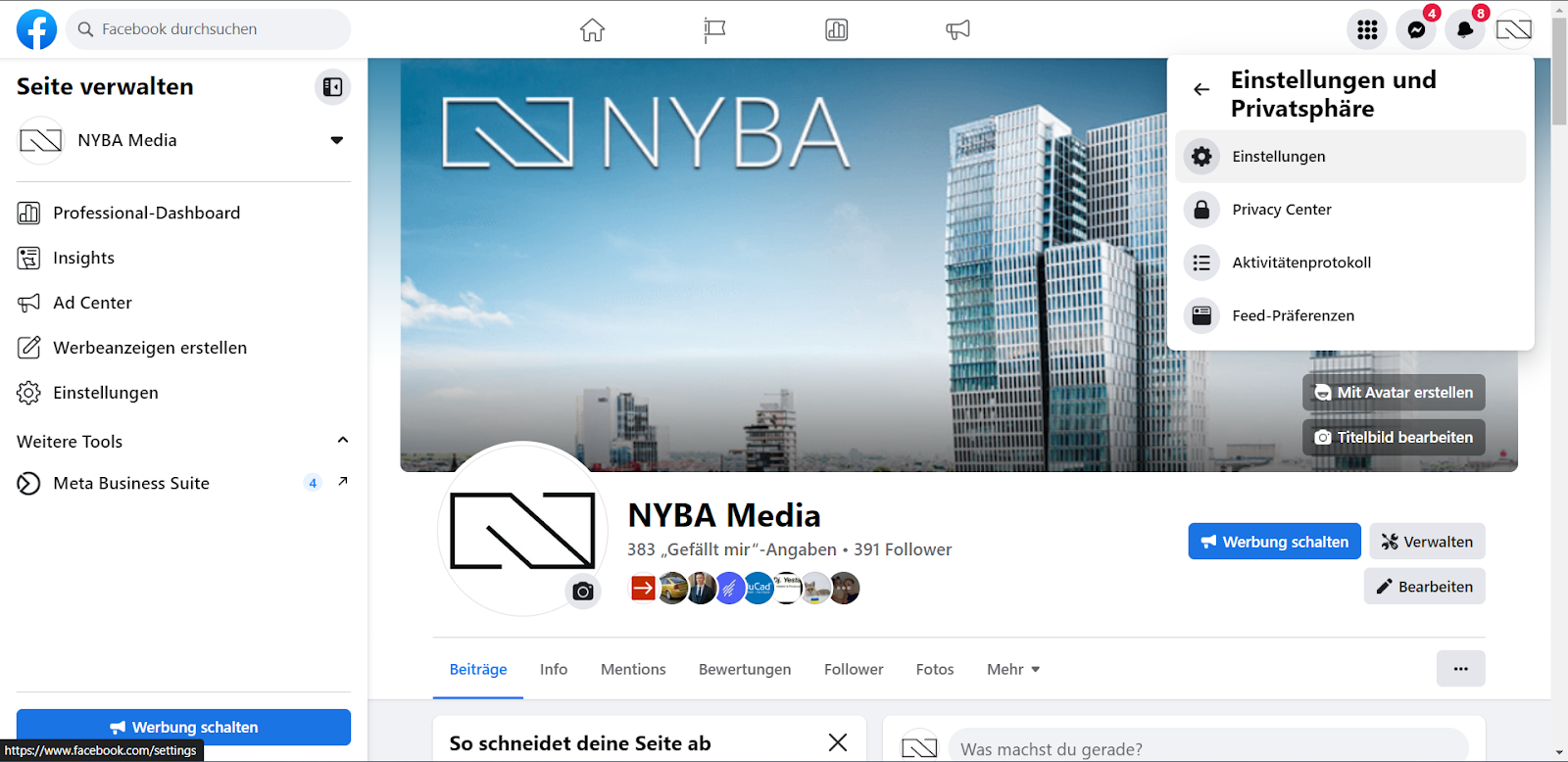
- Select Settings & Privacy, then Settings.
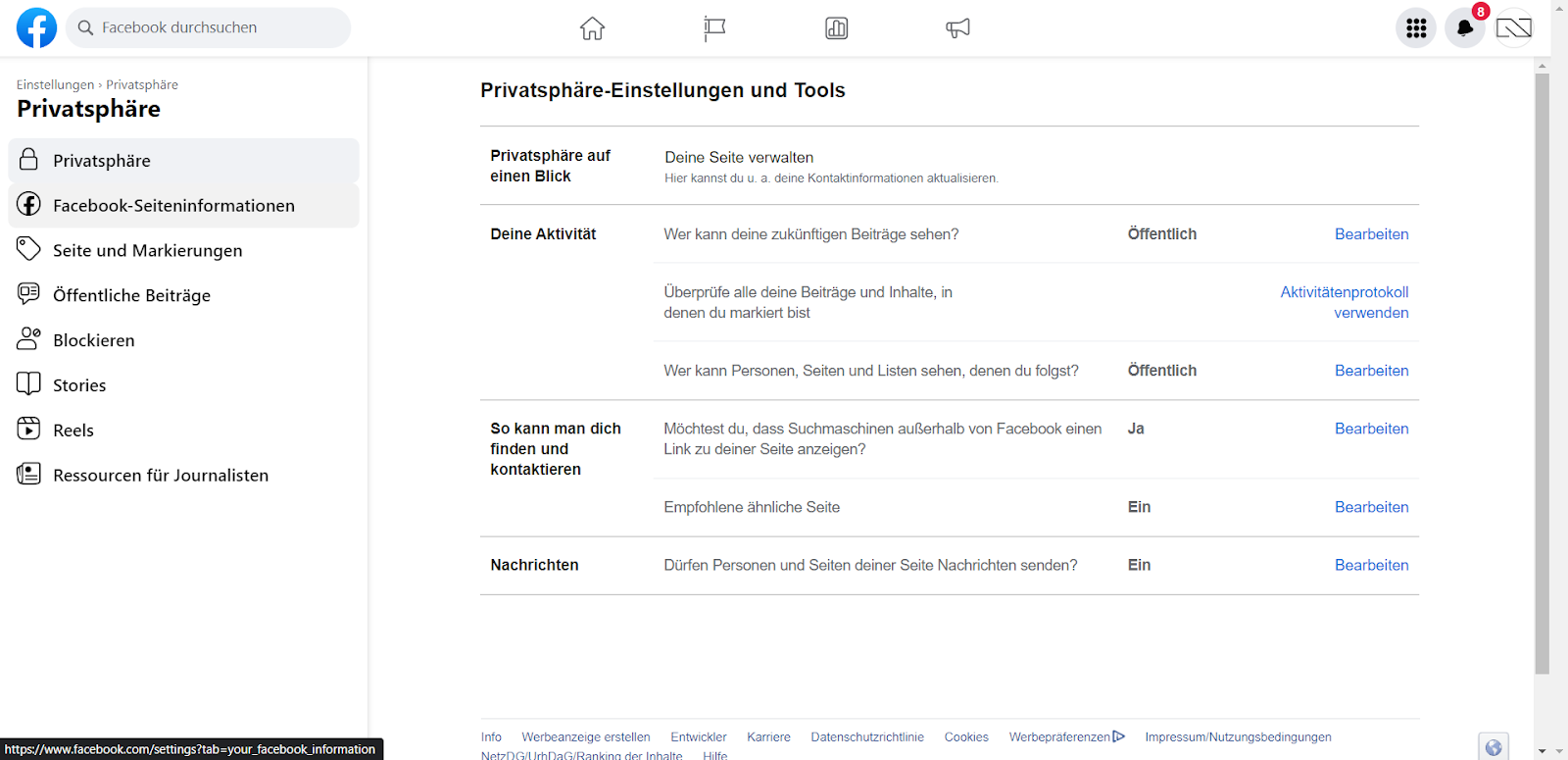
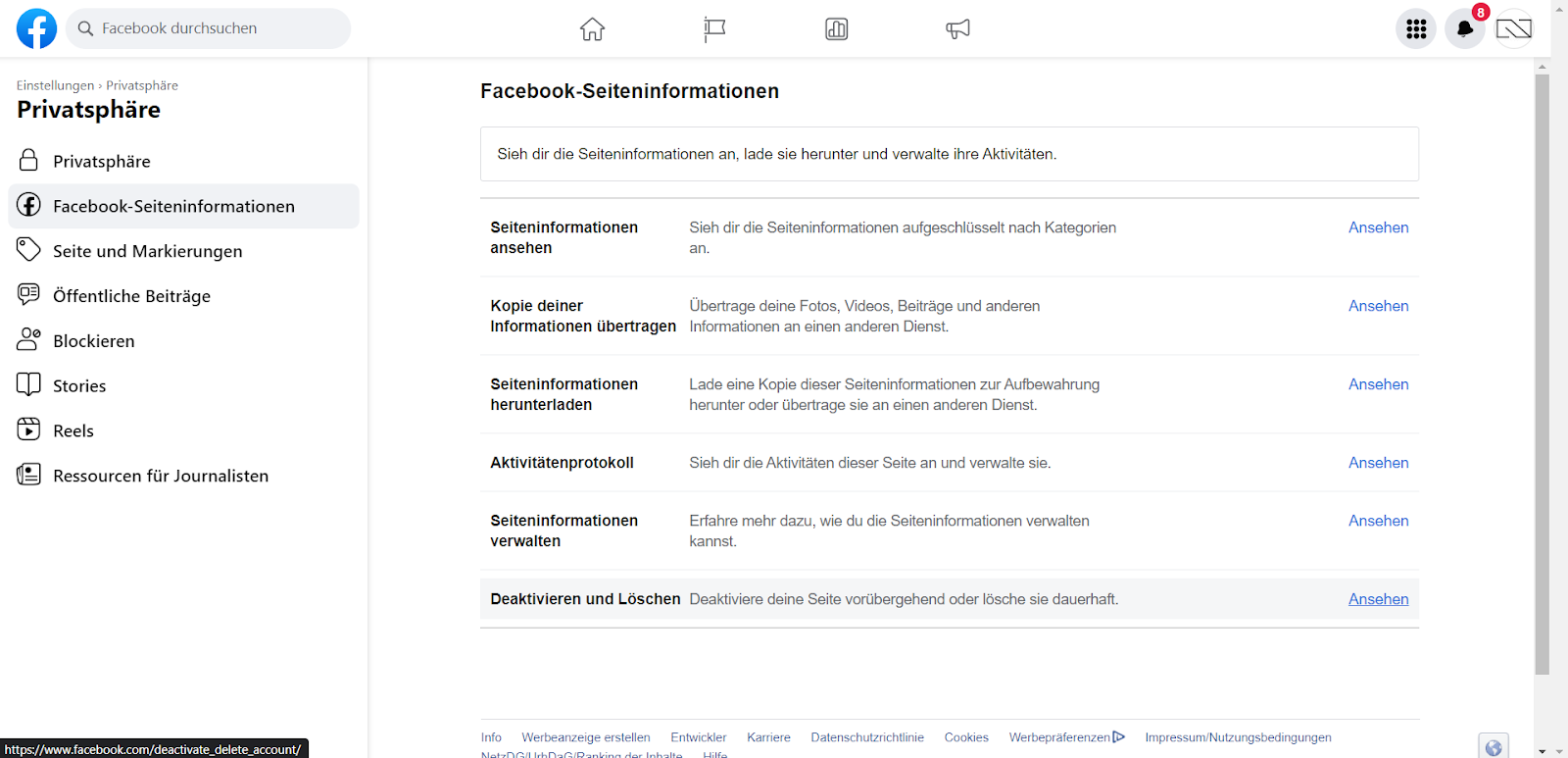
- In the menu on the left, first click Privacy, then Your Facebook Information.
- Click Deactivation and Deletion.
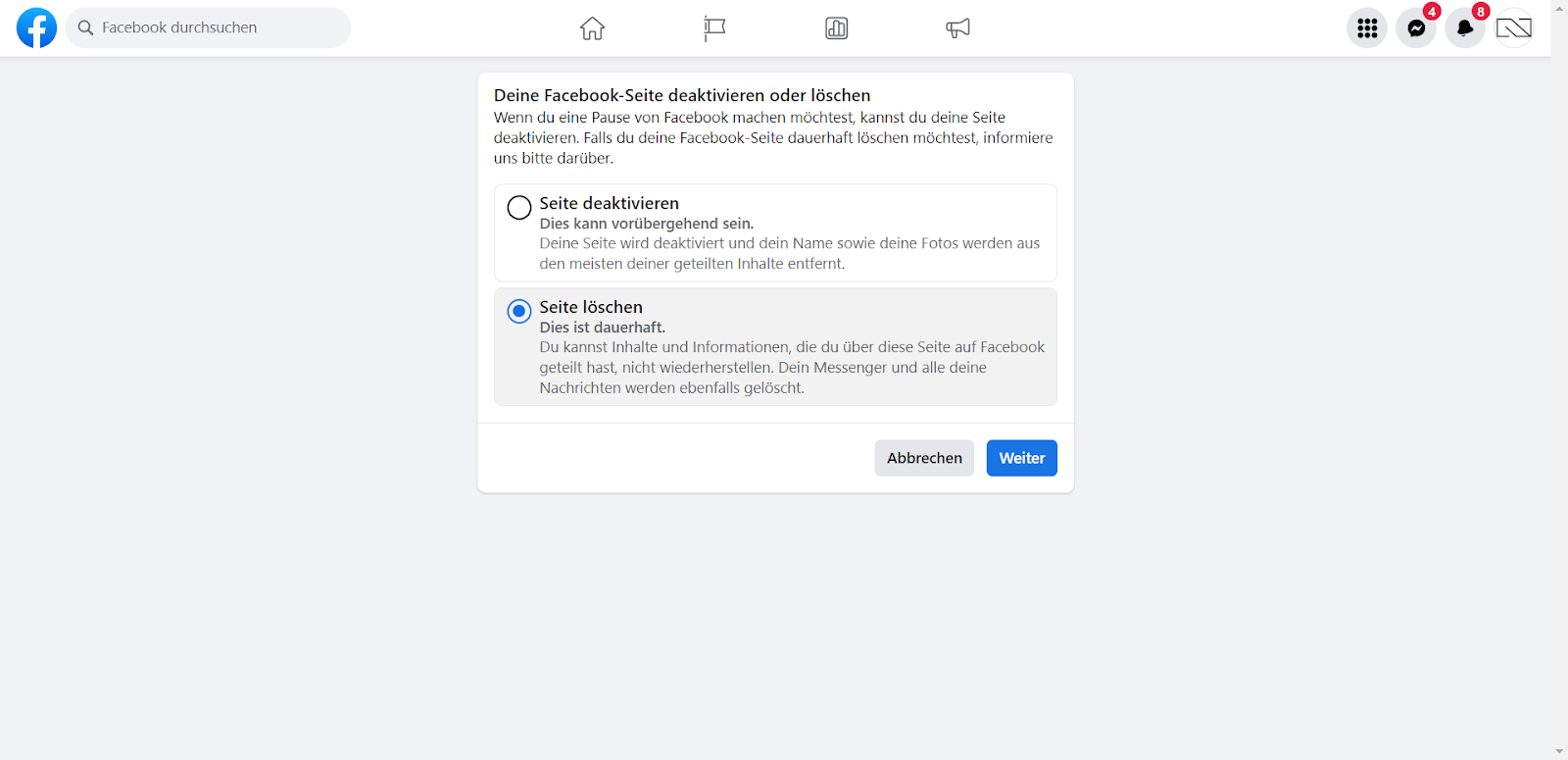
- Select Permanently Delete Account and click Continue to Account Deletion.
- You will be prompted to enter your password. Enter it and click Continue.
- Click Permanently Delete Account.
Your account will now be deactivated for 30 days. During this period, you can log in again to cancel the deletion if you change your mind. After 30 days, your account will be permanently deleted and cannot be recovered.
Please note that deleting your Facebook account will also end your access to Facebook Messenger, any Facebook Pages you manage, and all other Facebook services. If you only want to delete Messenger, this must be done separately.
Below you will find the instructions again with screenshots:

Real ChatGPT ads from NYBA campaigns, with results
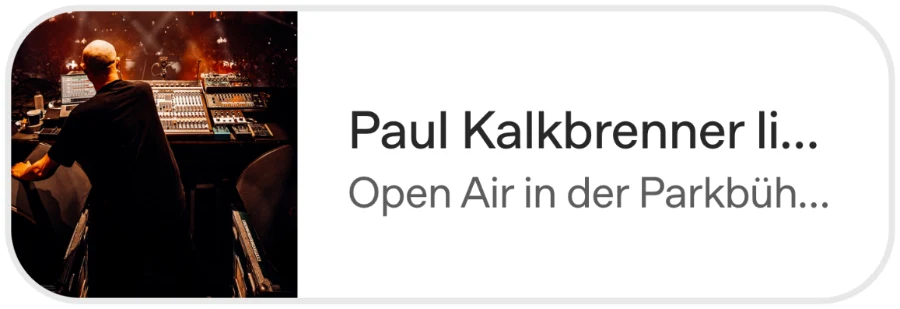
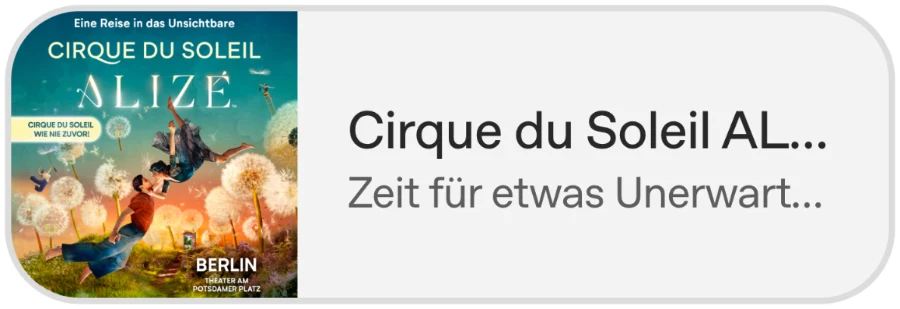
NYBA has been running ChatGPT ads for live events in Germany since the launch in August 2026. Two examples, shown the way they appear inside the ChatGPT answer, with their first results:
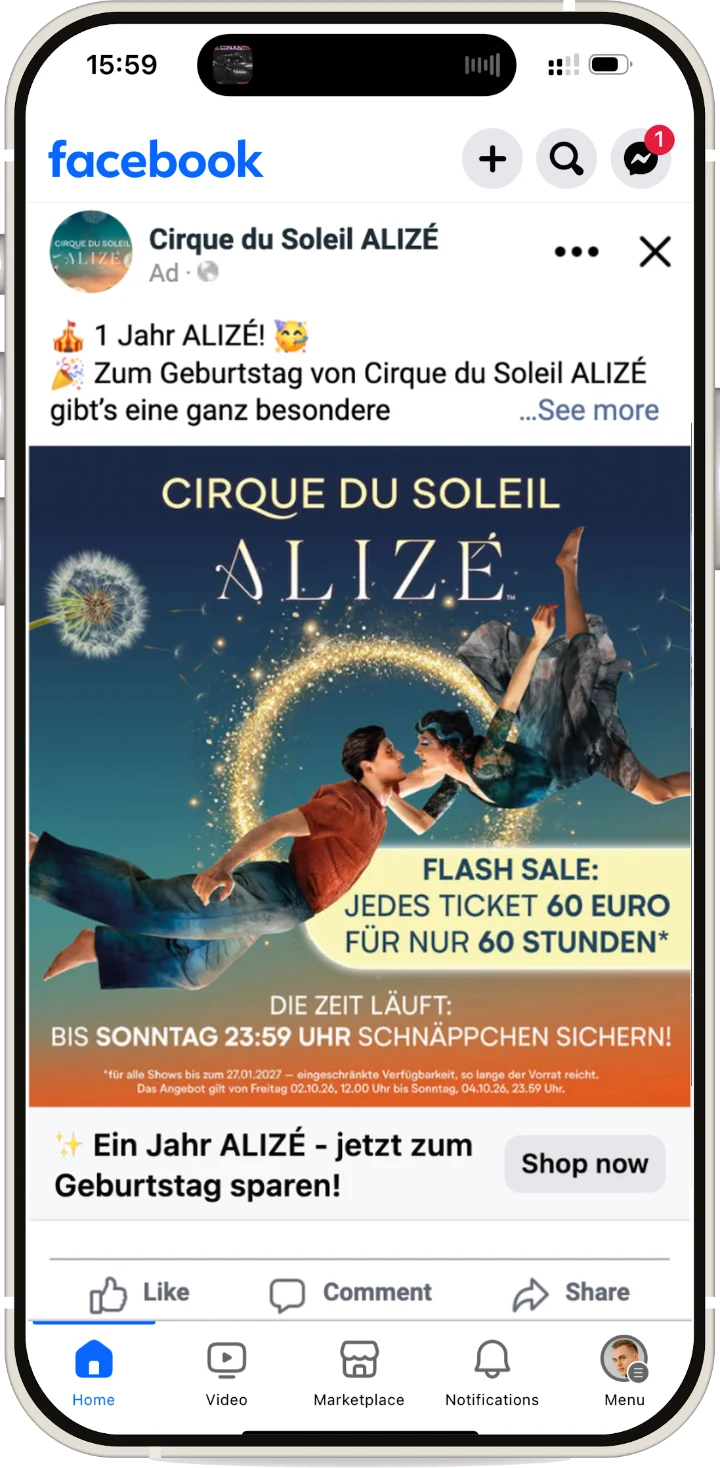
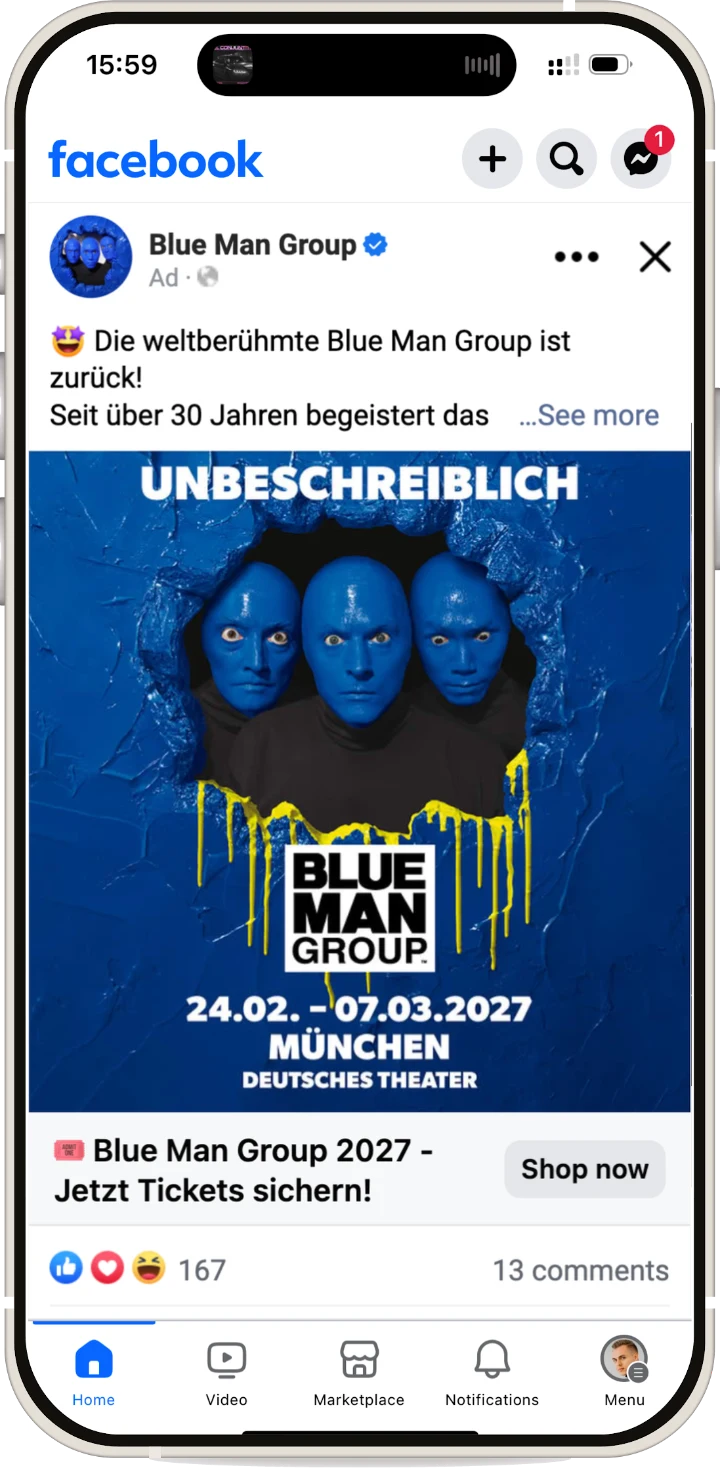
What Meta ads for events look like: real NYBA examples
Three ads from live campaigns run through NYBA OS, shown the way fans see them on Facebook and Instagram: two feed ads and a video ad.
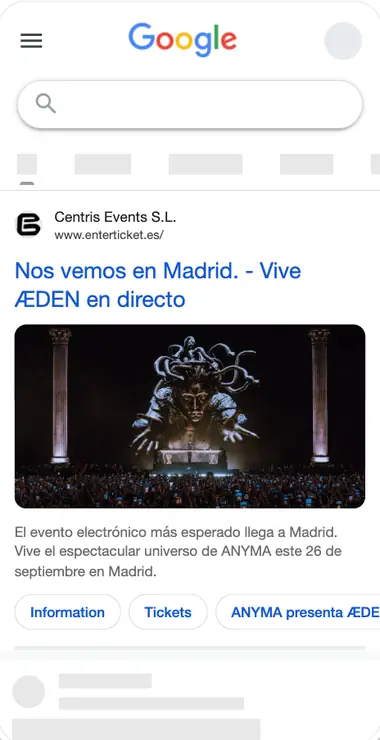
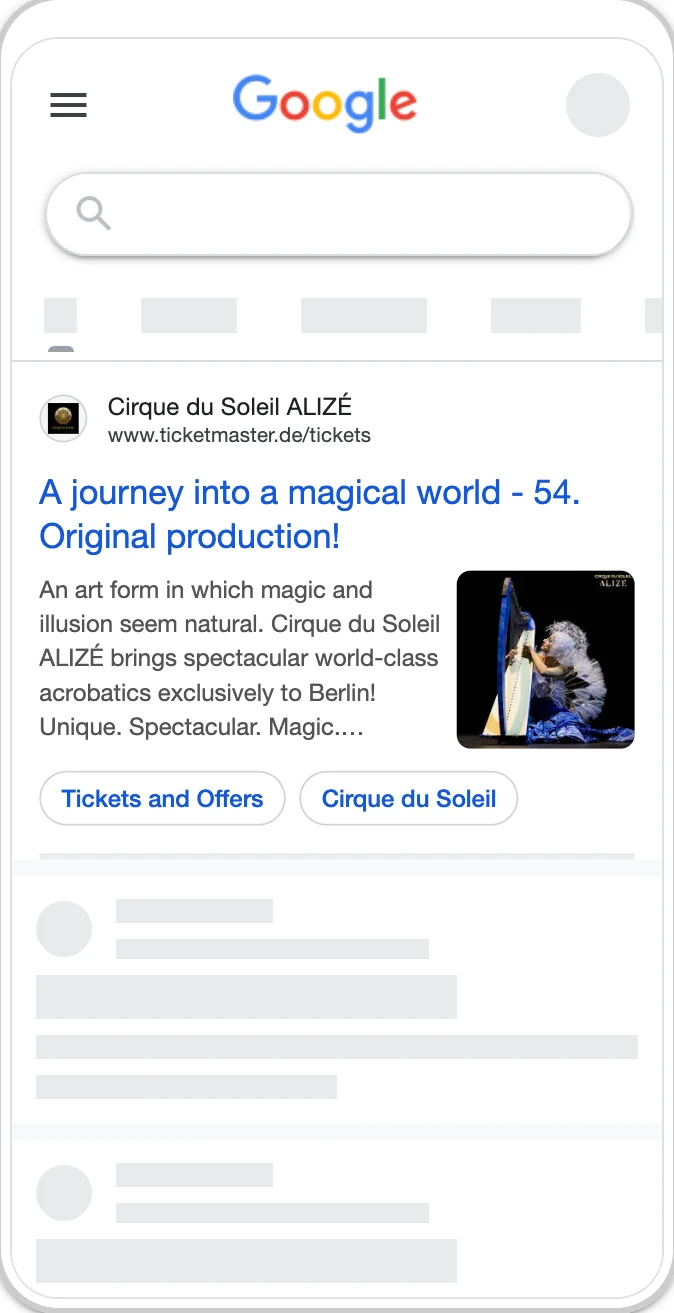
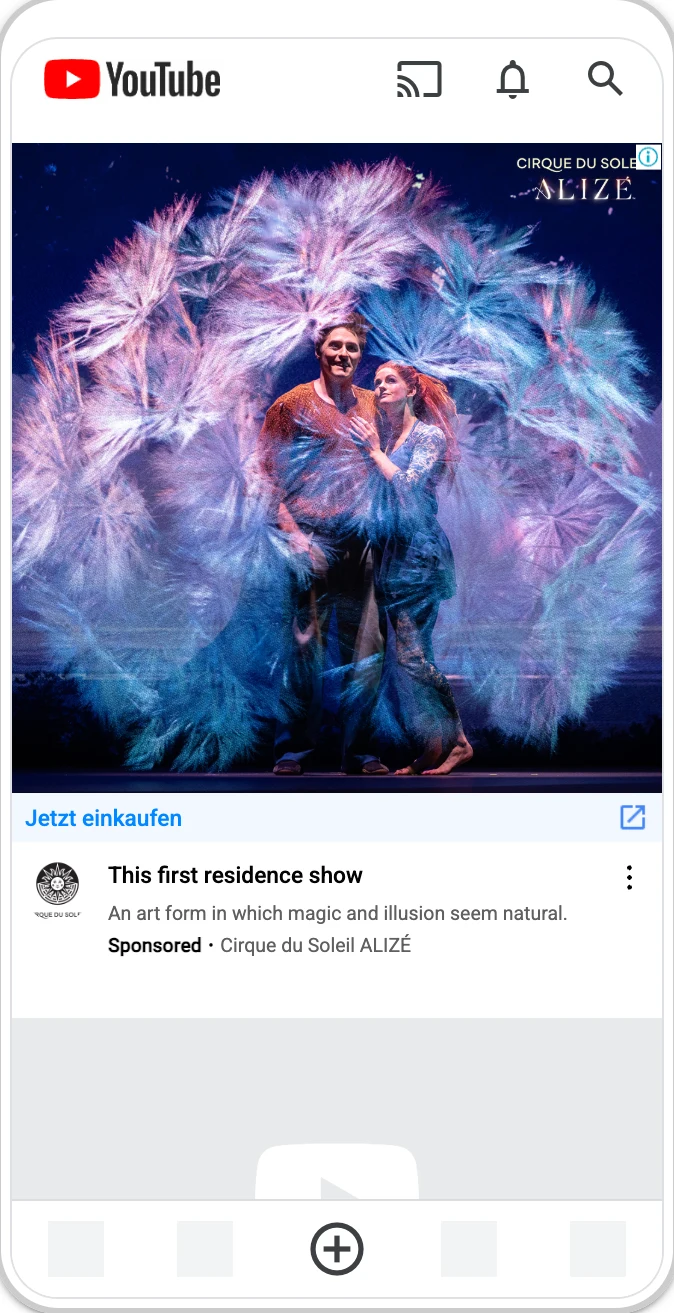
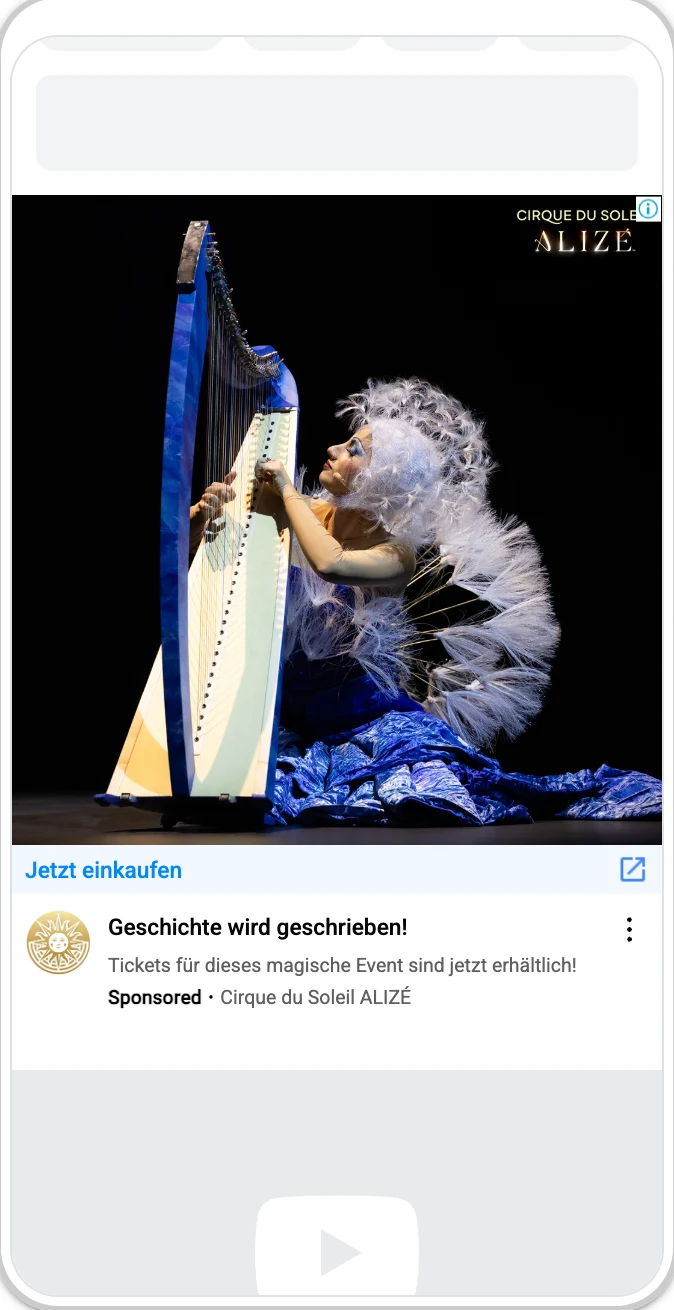
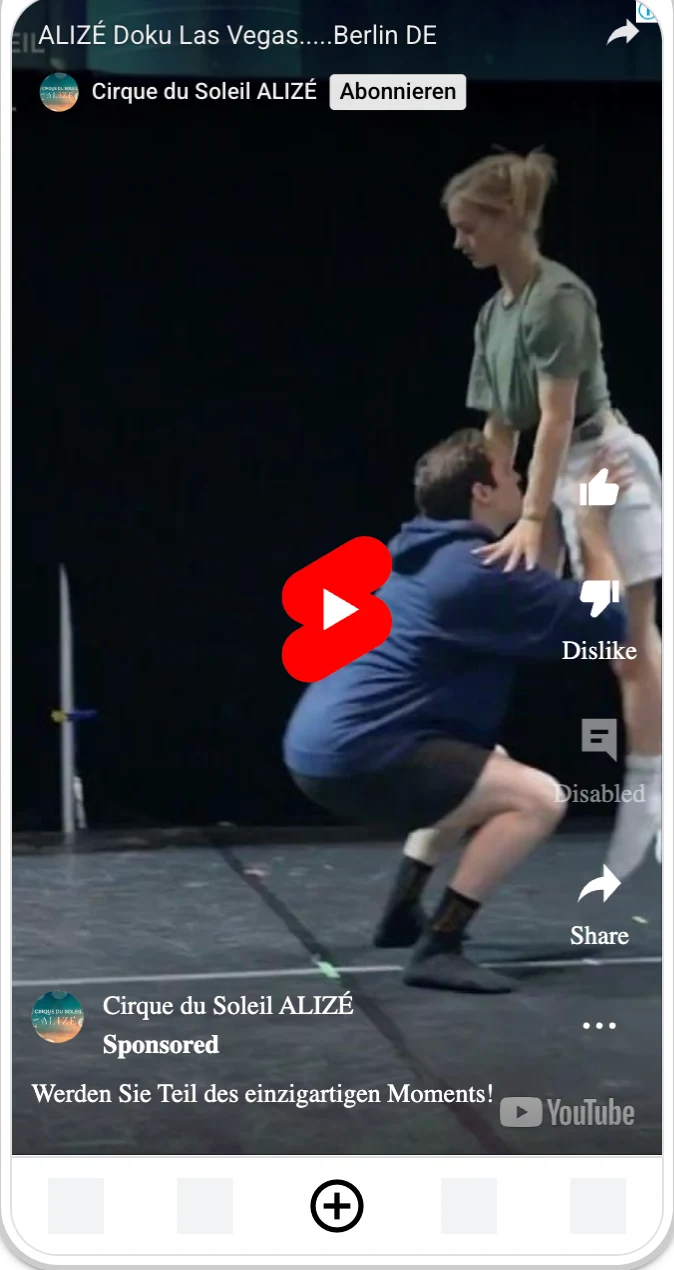
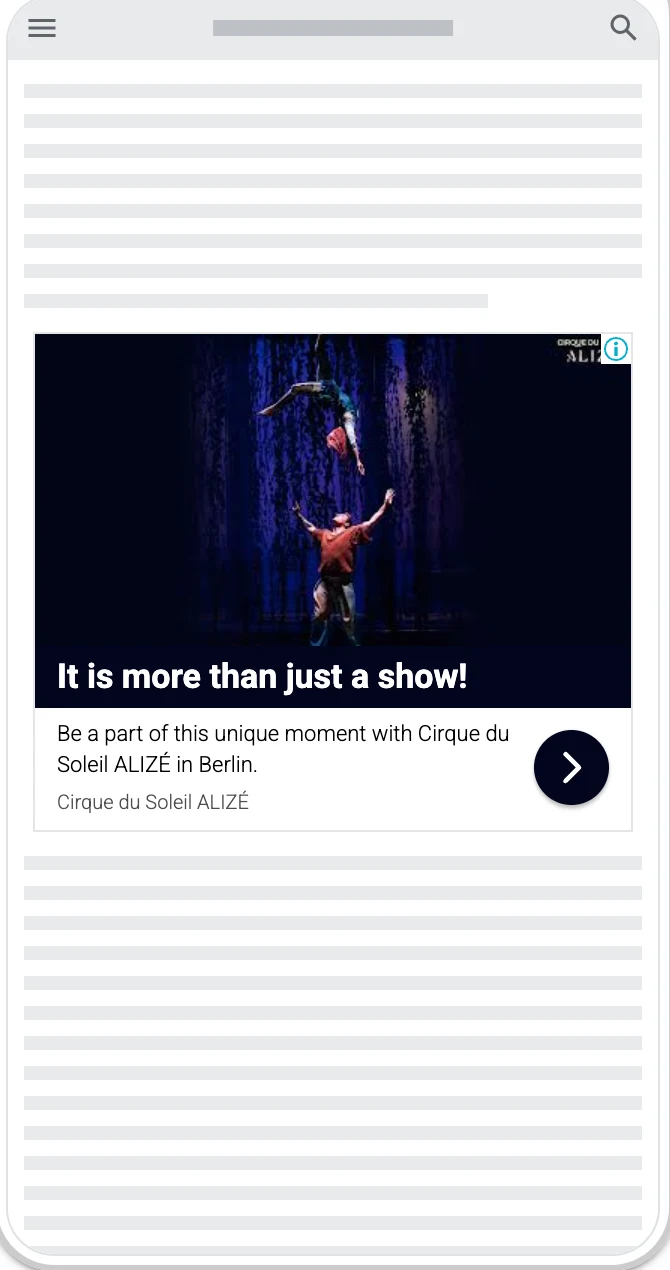
What Google ads for events look like: real NYBA examples
Real previews from live Google Ads campaigns run through NYBA OS: search ads with image, Performance Max in the YouTube feed, in Discover and on the Display network, and YouTube Shorts. One Performance Max asset group feeds all of these placements.
Every ad placement at a glance
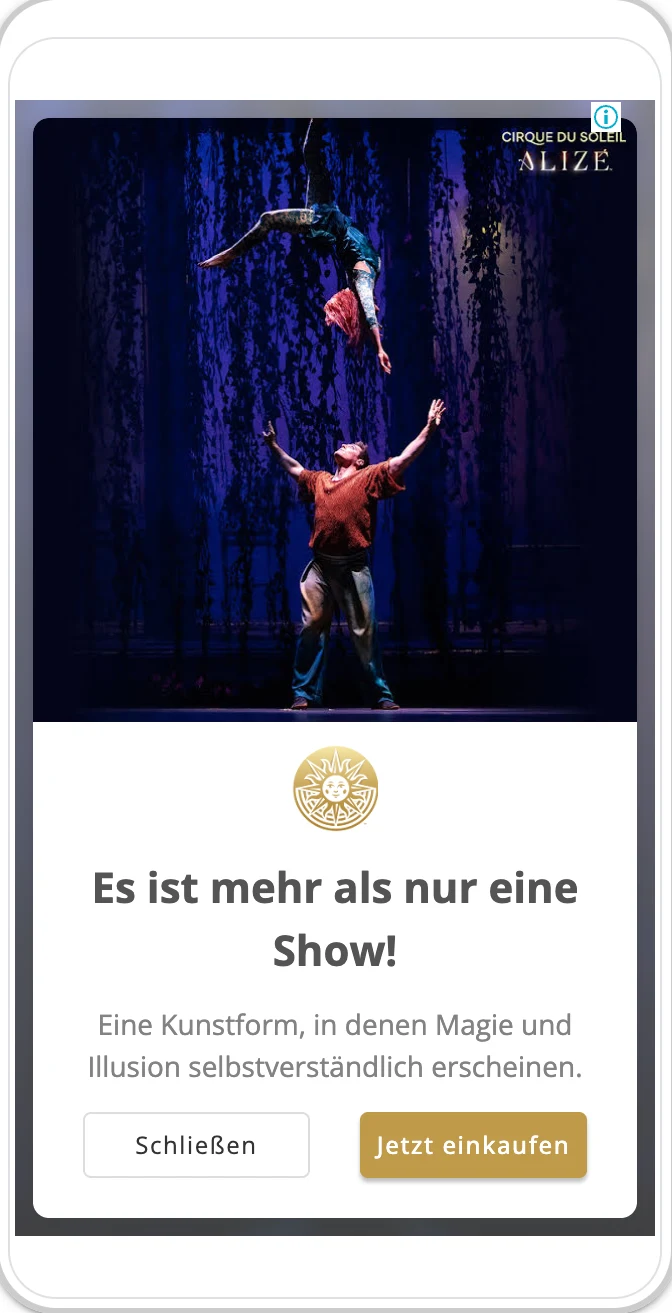
Real ads from campaigns run through NYBA OS, sorted by platform: Google and YouTube, Meta, TikTok, ChatGPT and Snapchat. Tap a platform to expand it.


What Snapchat ads for events look like: real NYBA examples
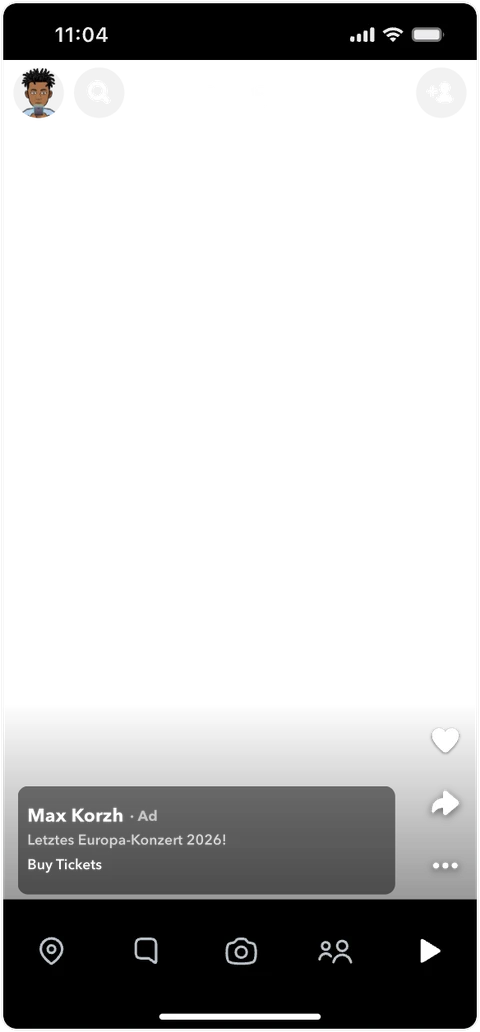
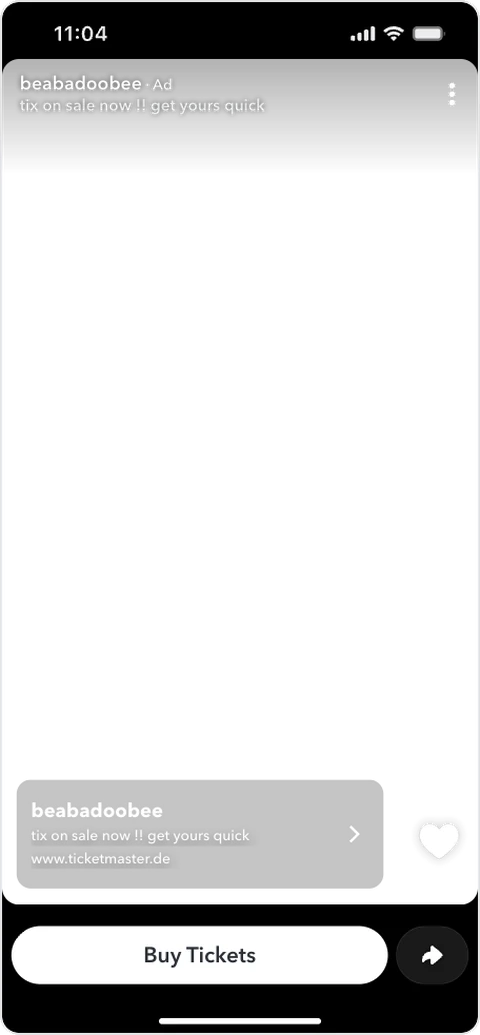
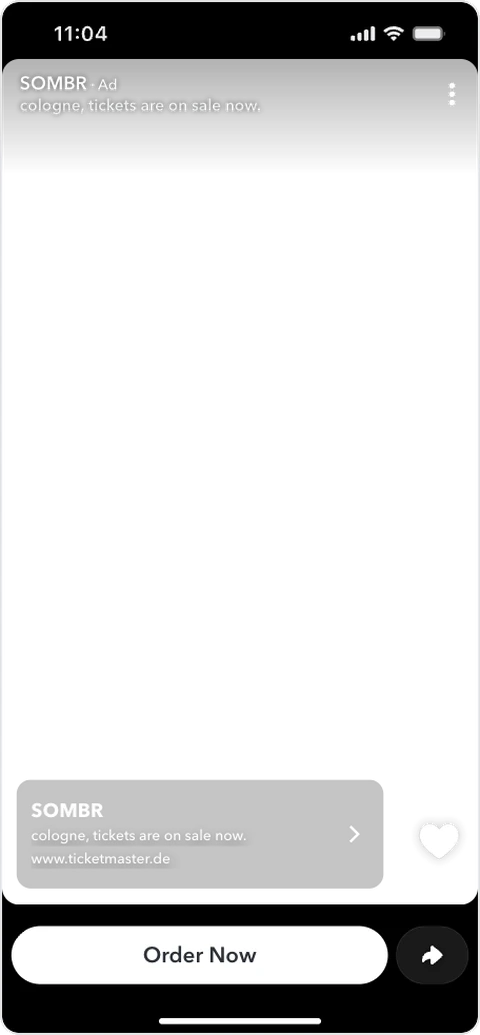
Real previews from live Snapchat campaigns run through NYBA OS: a Spotlight video ad and full-screen video ads between Stories, each with a direct ticket button.
Depending on the type of event, NYBA runs this differently: concert and tour marketing, festival marketing and theatre marketing.

What would 3x more
revenue mean for you?
Find out:
